Guide 1.1 · Getting Started
Sign up and choose Personal Profile#
Open FAB SPORTS and start a new account.
Step 1 of 3
Your phone number and an OTP are all you need. No password.
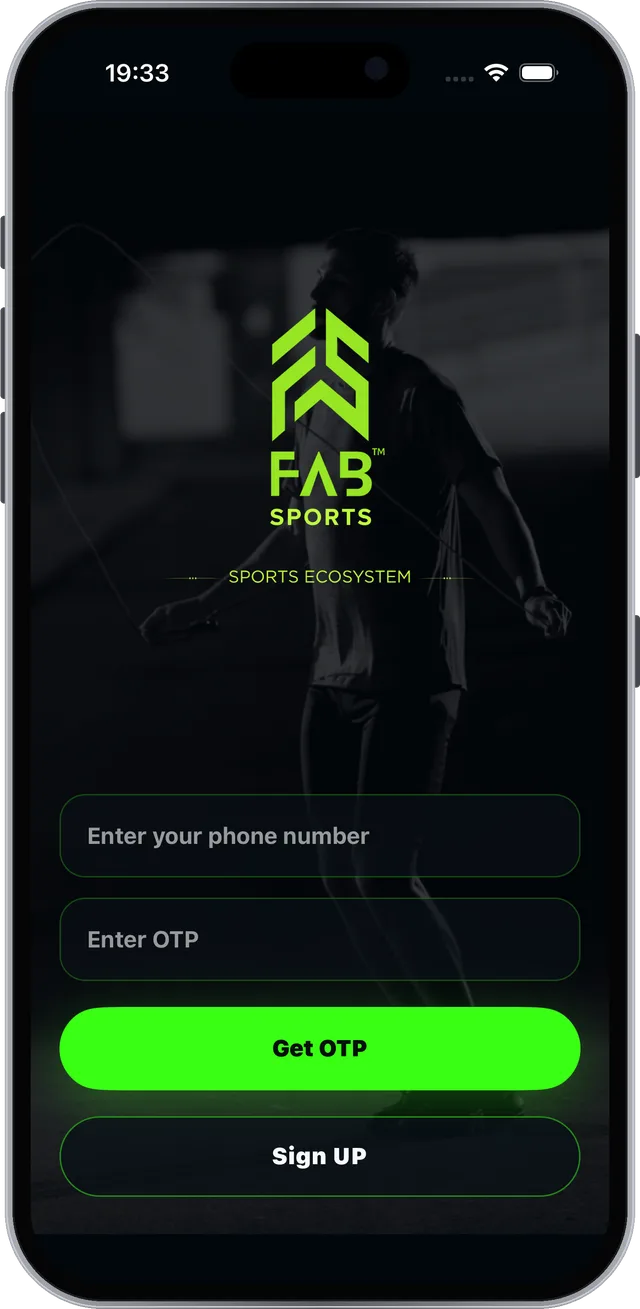
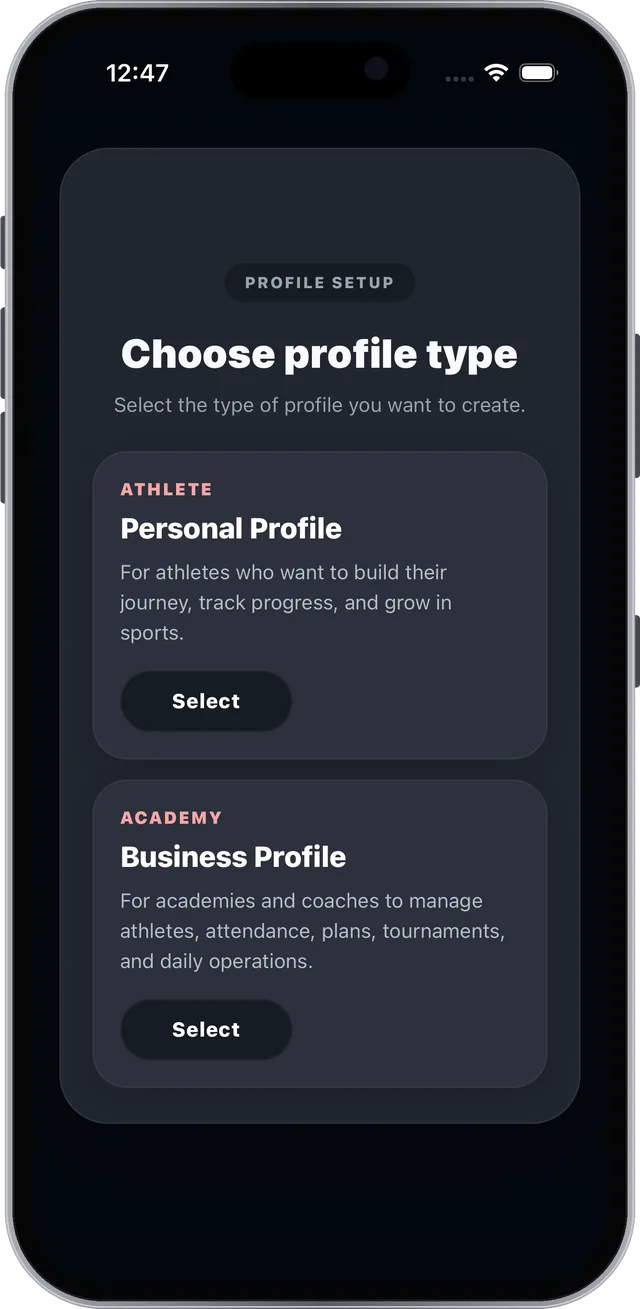
Real screen from the FAB SPORTS app
HomeHow to useAthlete guide
Personal Profile · Athlete guideStep-by-step guide for athletes and players. Each feature is shown with real app screens and numbered steps.
Every tool is free. No subscription.
Academy fees and product prices are set by academies and sellers.
Find the task you need, then follow it one step at a time.
Use the section list or type what you want to do, like “BMI” or “Sports IQ”.
Steps play one at a time. Tap any step, or use Next and Back to go at your own pace.
The glowing box on the phone shows exactly where to tap, with the same number as the step.
Everything below is part of the Personal Profile. Tap a tool to jump to its guide.













9 sections and 19 short guides, each with real screens from the app.
Create your Personal Profile with just your phone number.
Open FAB SPORTS and start a new account.
Your phone number and an OTP are all you need. No password.
Real screen from the FAB SPORTS app
Four quick screens and your profile is live.
Tip: your sport sets the fields you log in Daily Sports Performance.
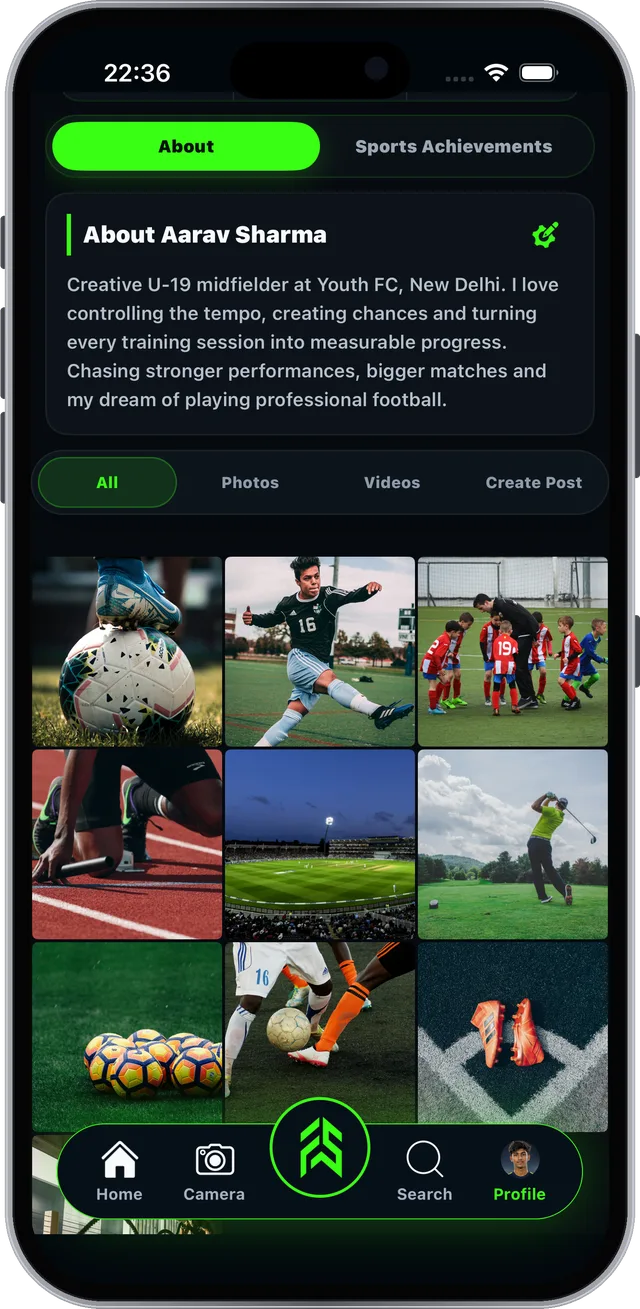
Your athlete page: your story, achievements, photos and posts.
Tap Profile in the tab bar to open it.
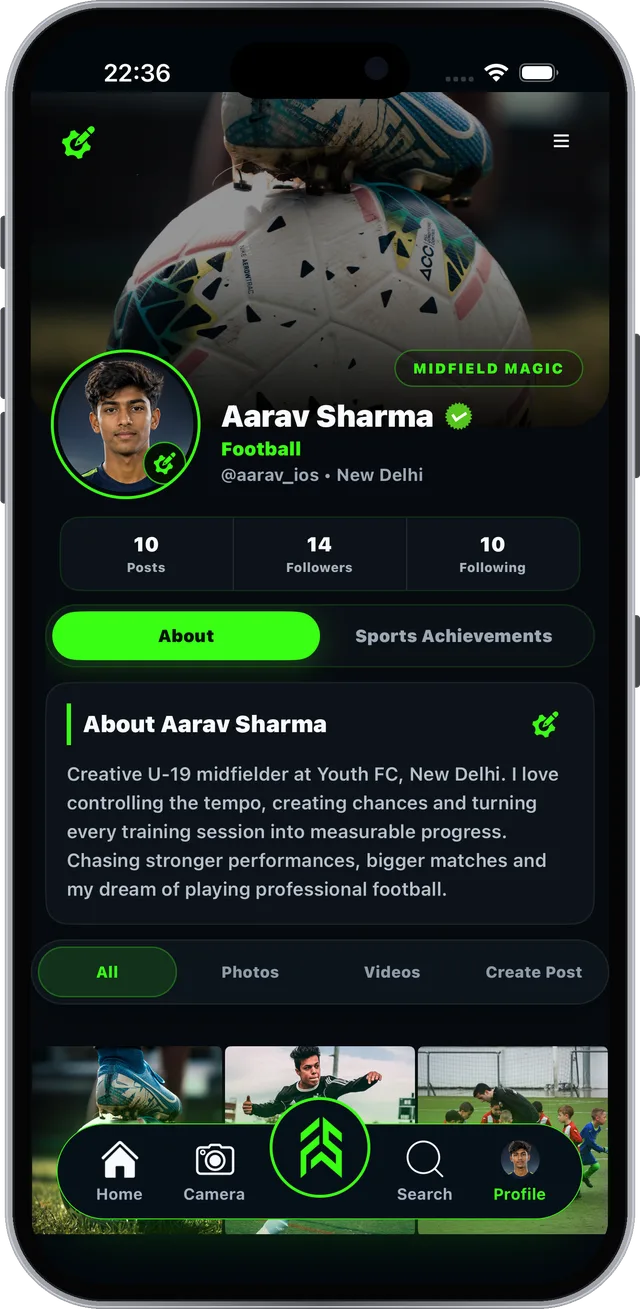
Real screen from the FAB SPORTS app
All your athlete tools, one tap away.
Tap the green FAB button in the middle of the tab bar.
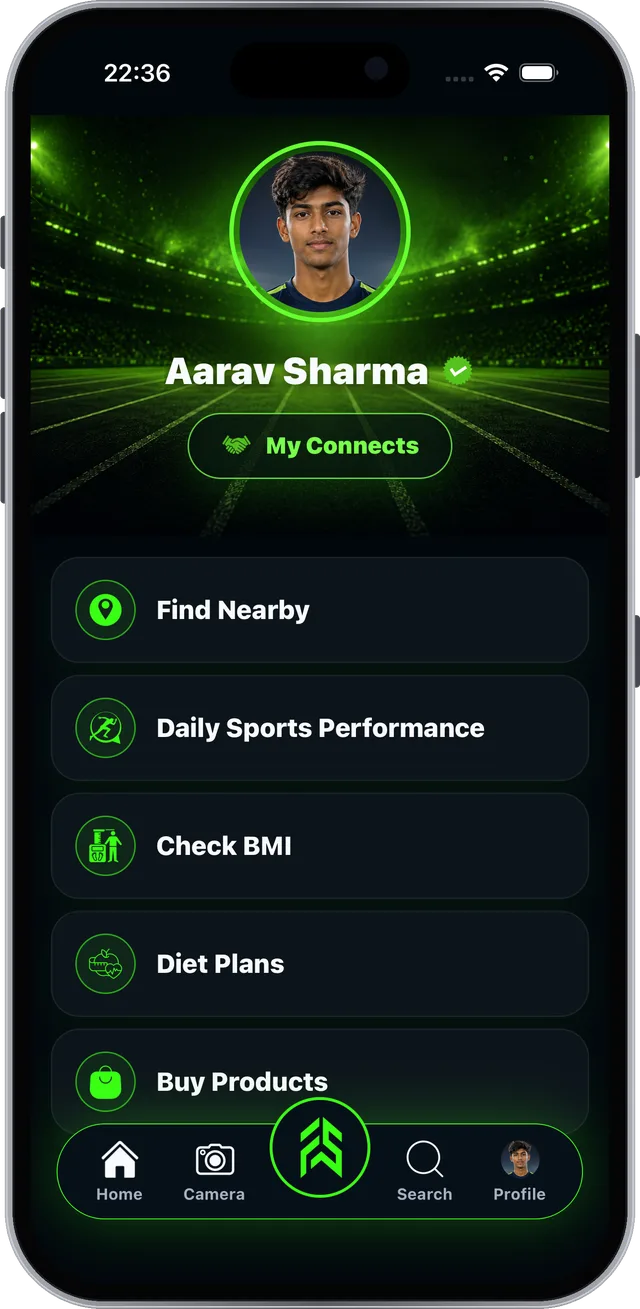
Real screen from the FAB SPORTS app
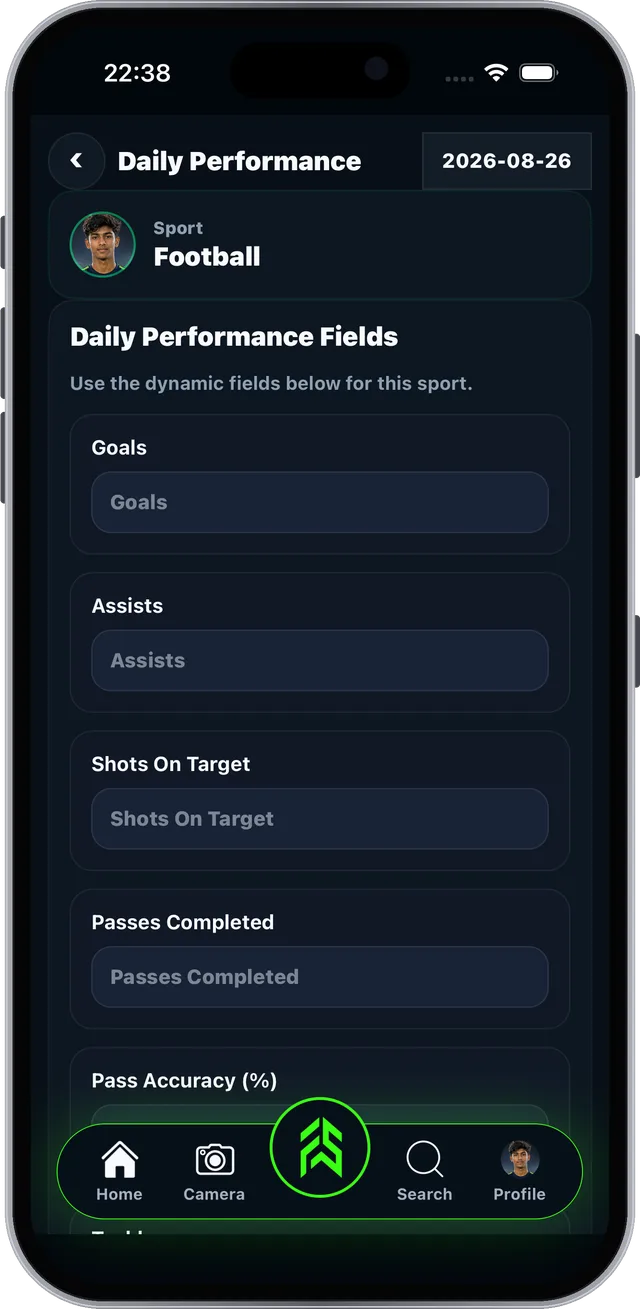
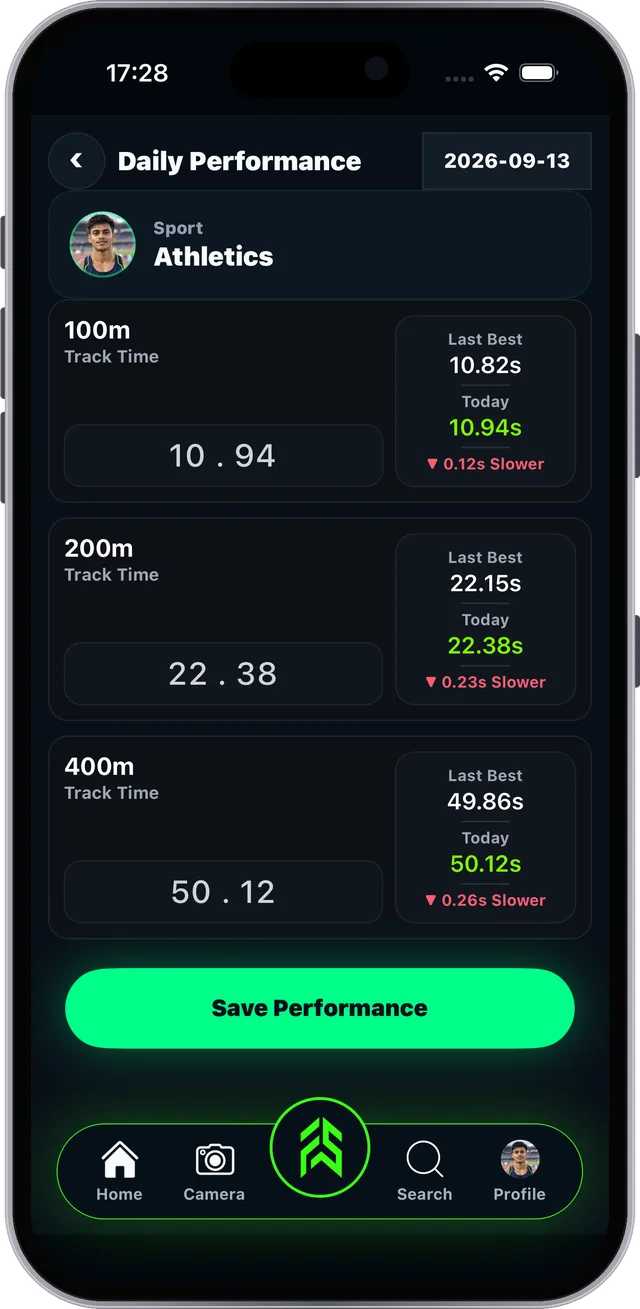
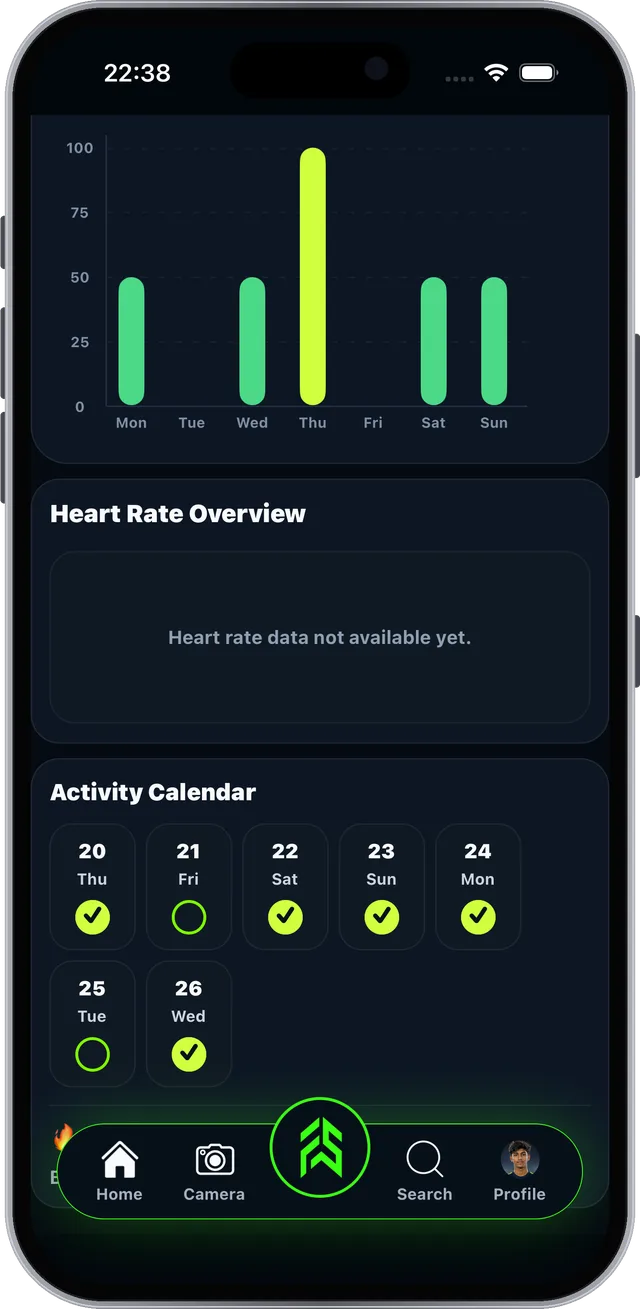
Log every session and watch your progress.
The fields match your sport: goals for football, times for athletics.
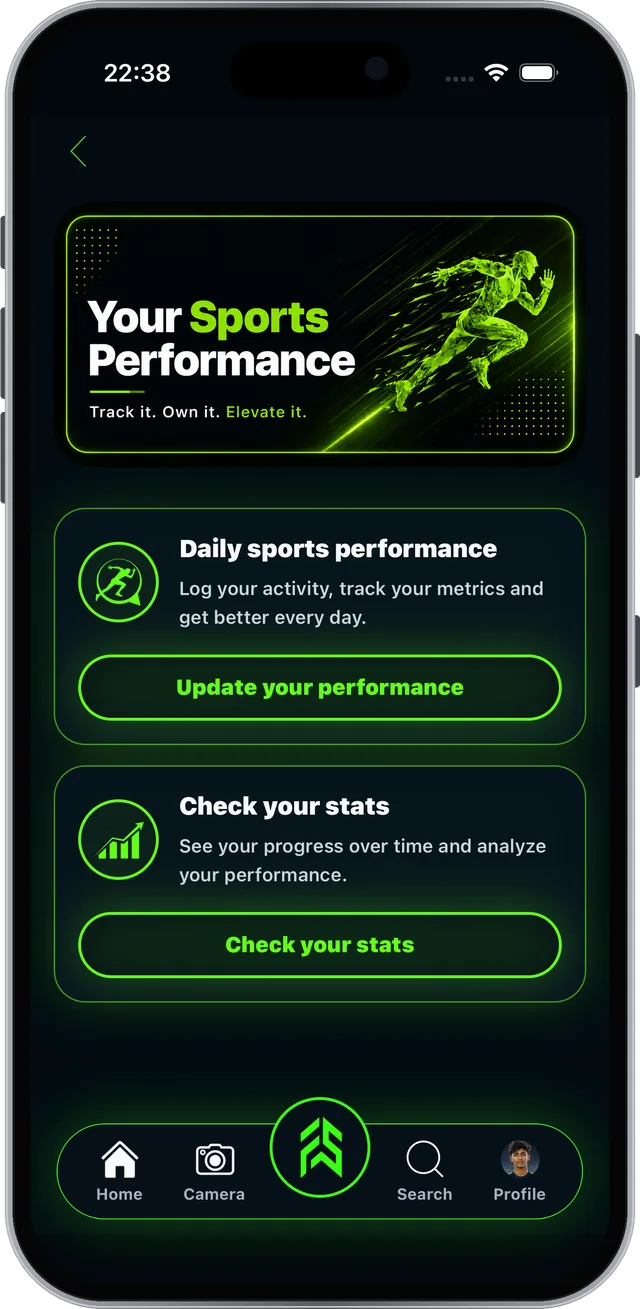
Real screen from the FAB SPORTS app
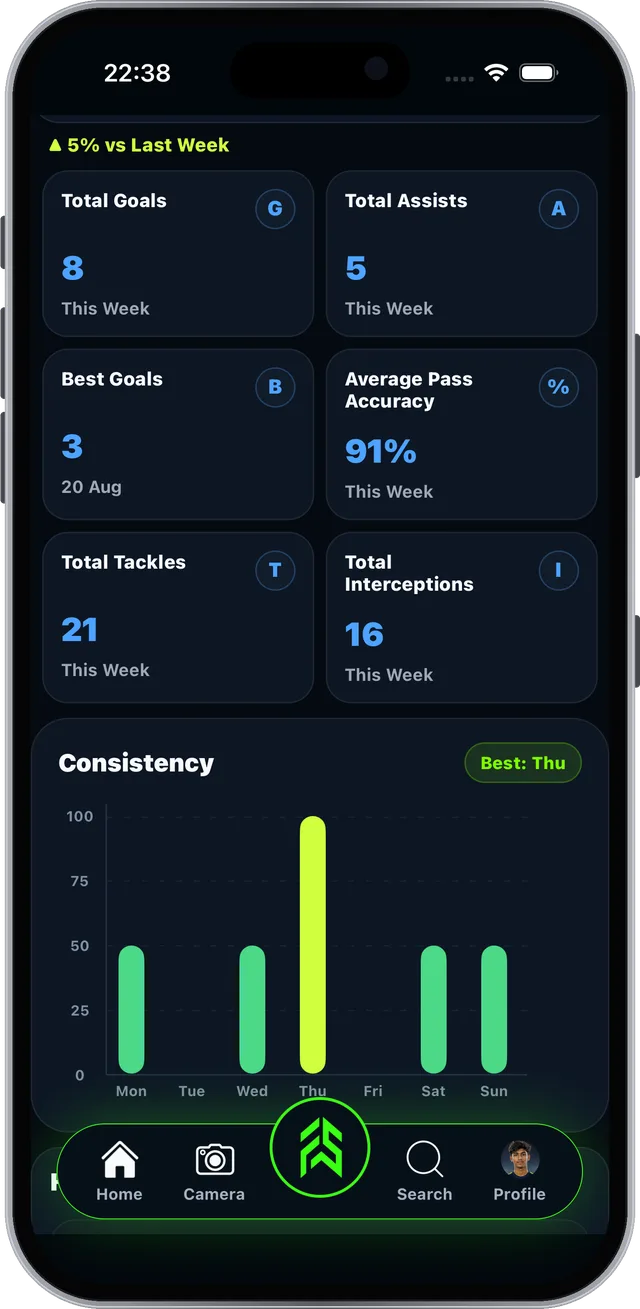
Tap Check your stats on the Your Sports Performance screen.
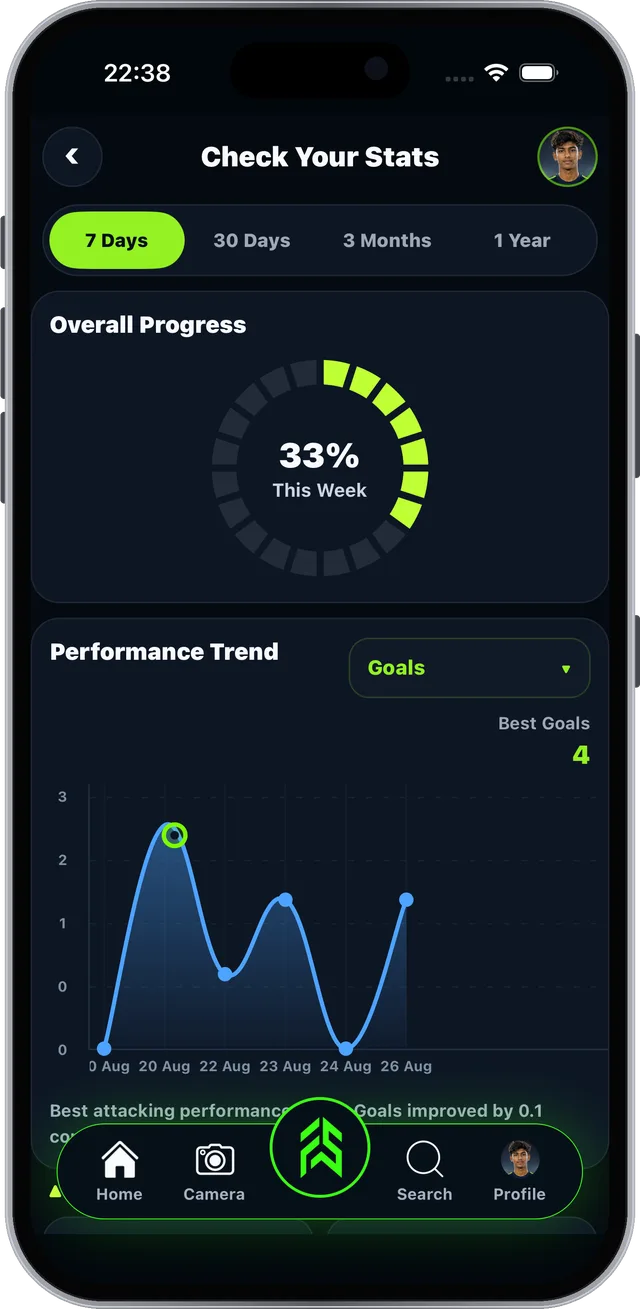
Real screen from the FAB SPORTS app
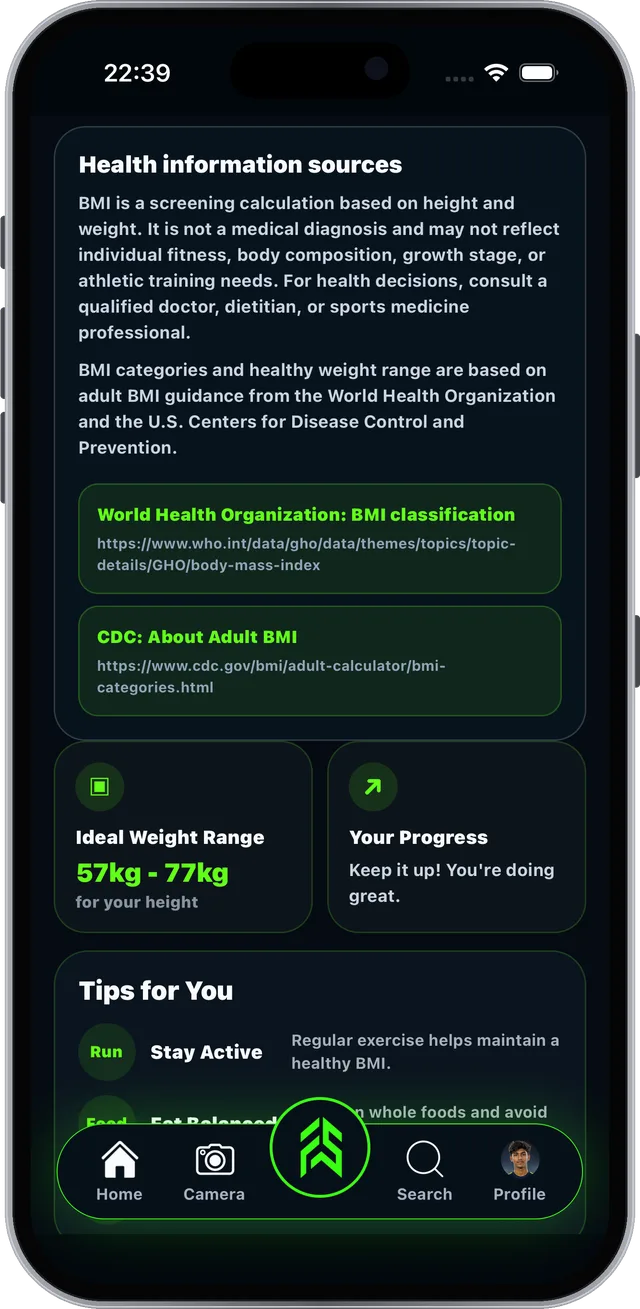
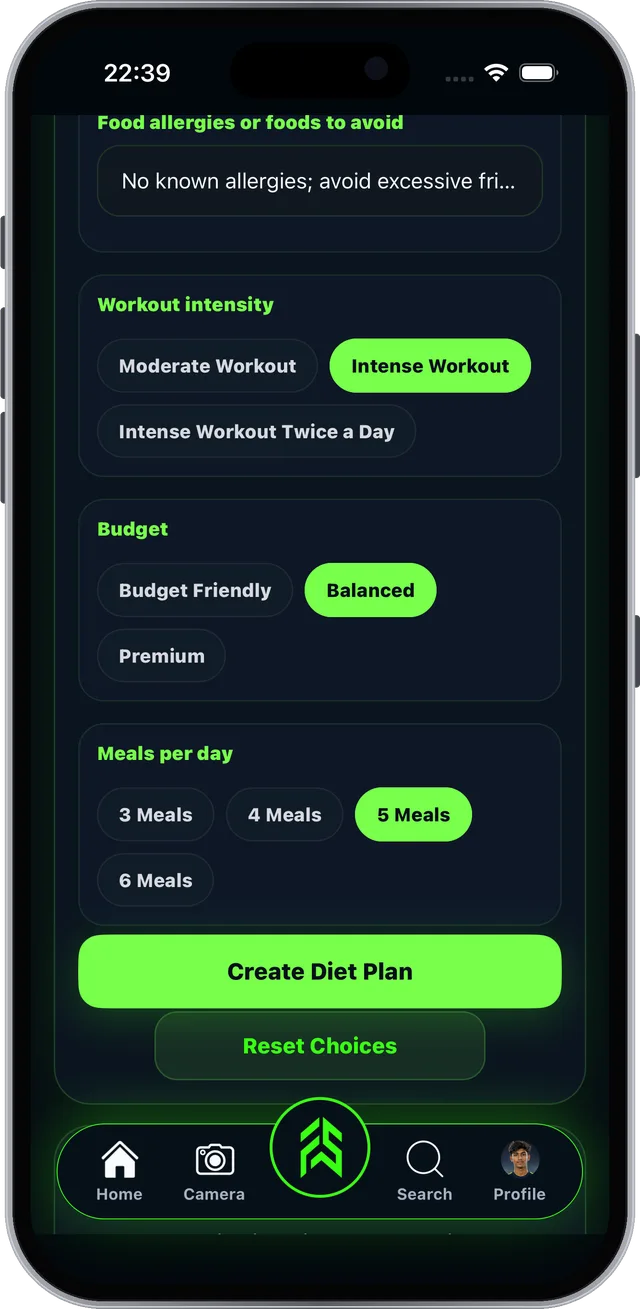
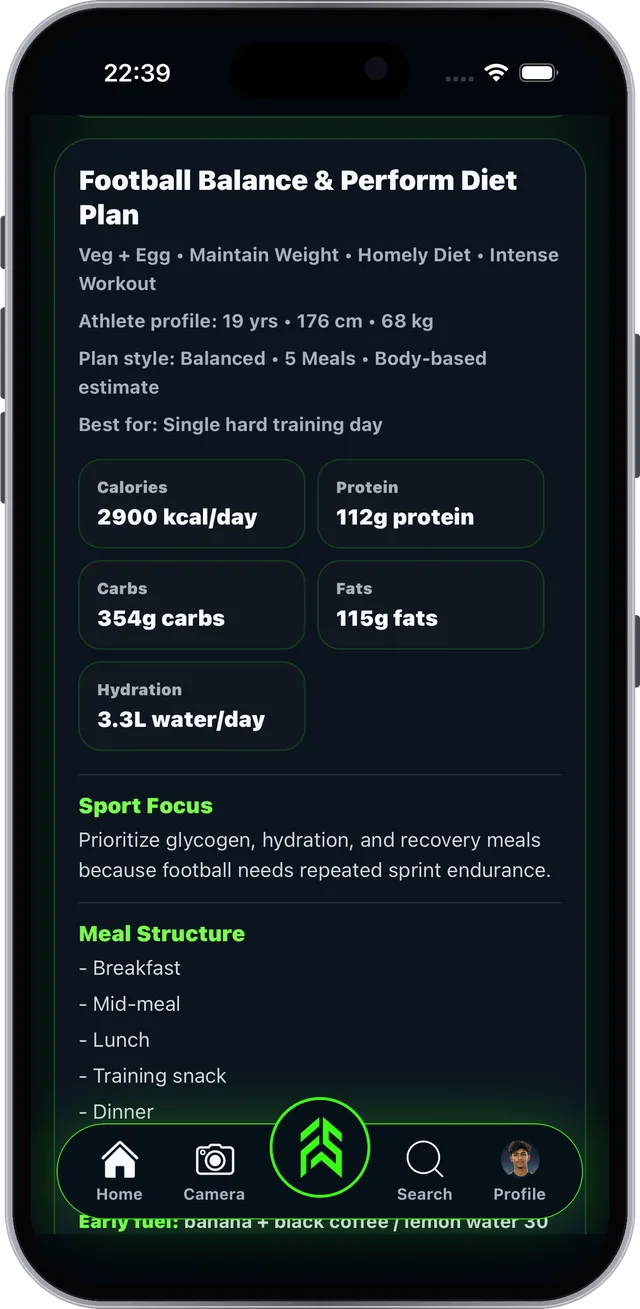
Know your body and fuel your training.
FSLA > Check BMI. Results in a few seconds.
BMI is a screening tool, not a medical diagnosis.
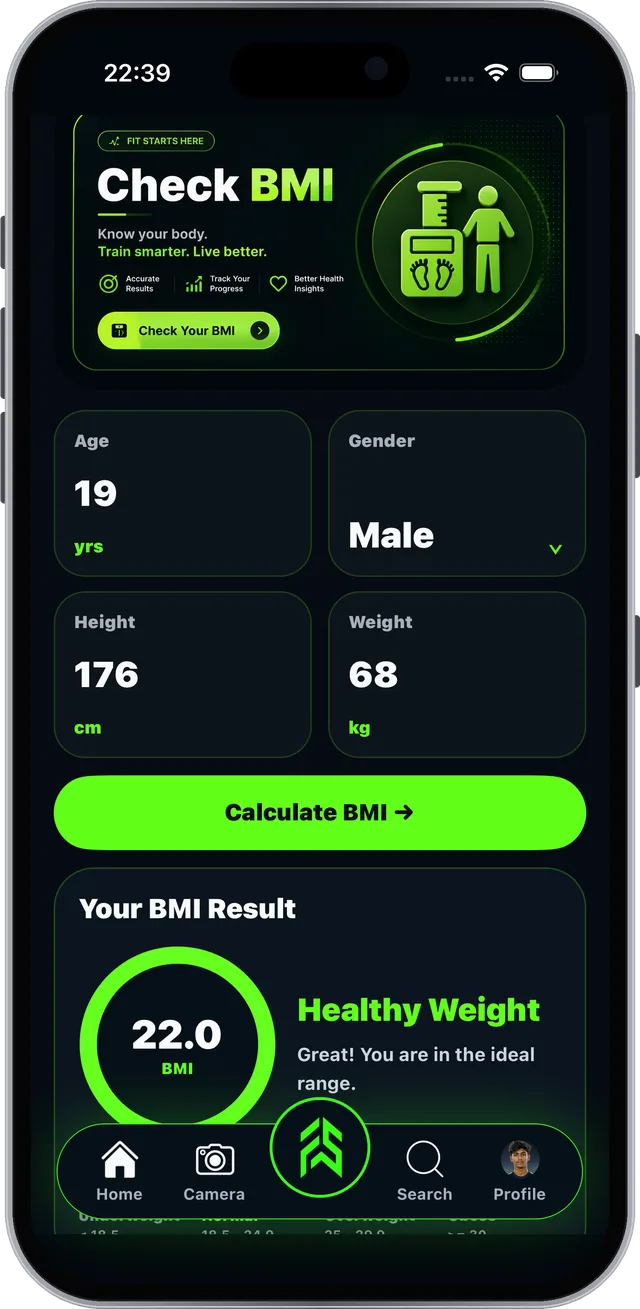
Real screen from the FAB SPORTS app
FSLA > Diet Plans. Answer a few choices, get a plan.
A starter plan, not medical advice.
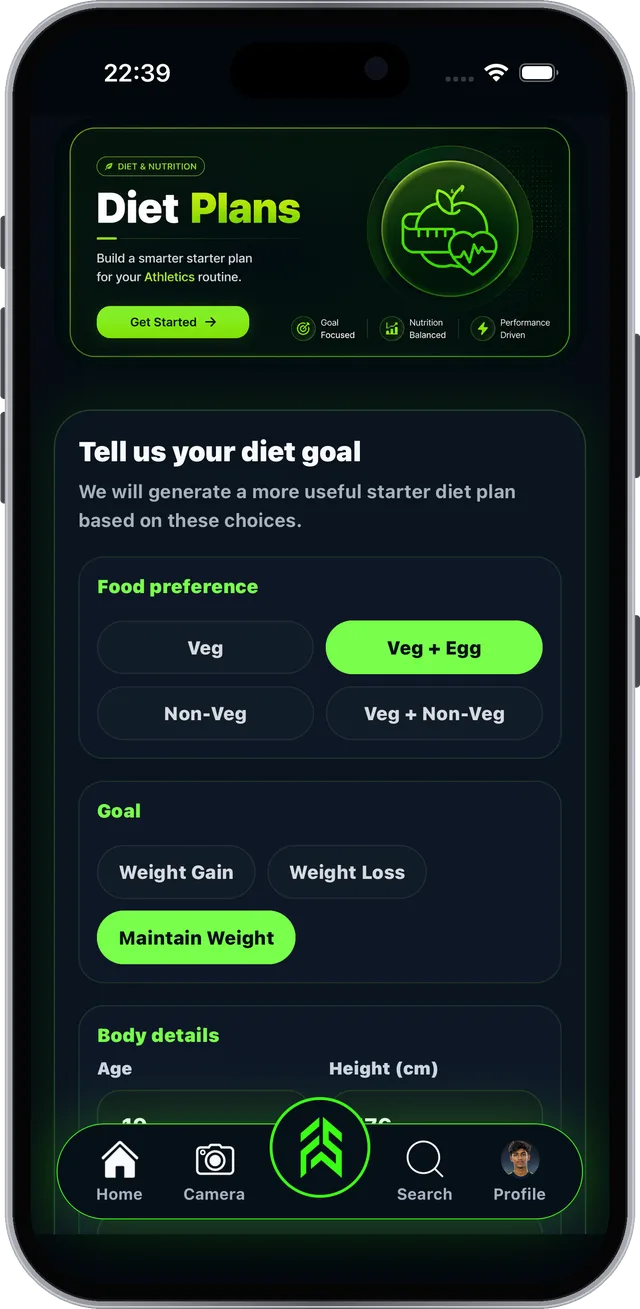
Real screen from the FAB SPORTS app
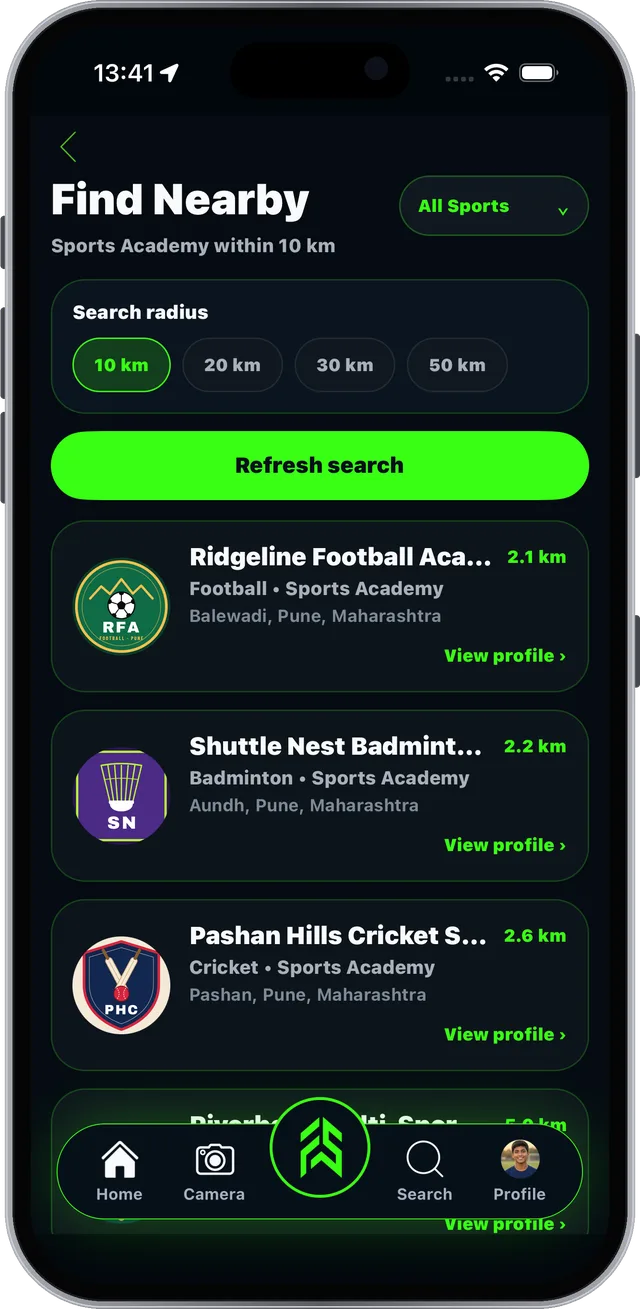
Find academies and coaches near you, then join them.
FSLA > Find Nearby.
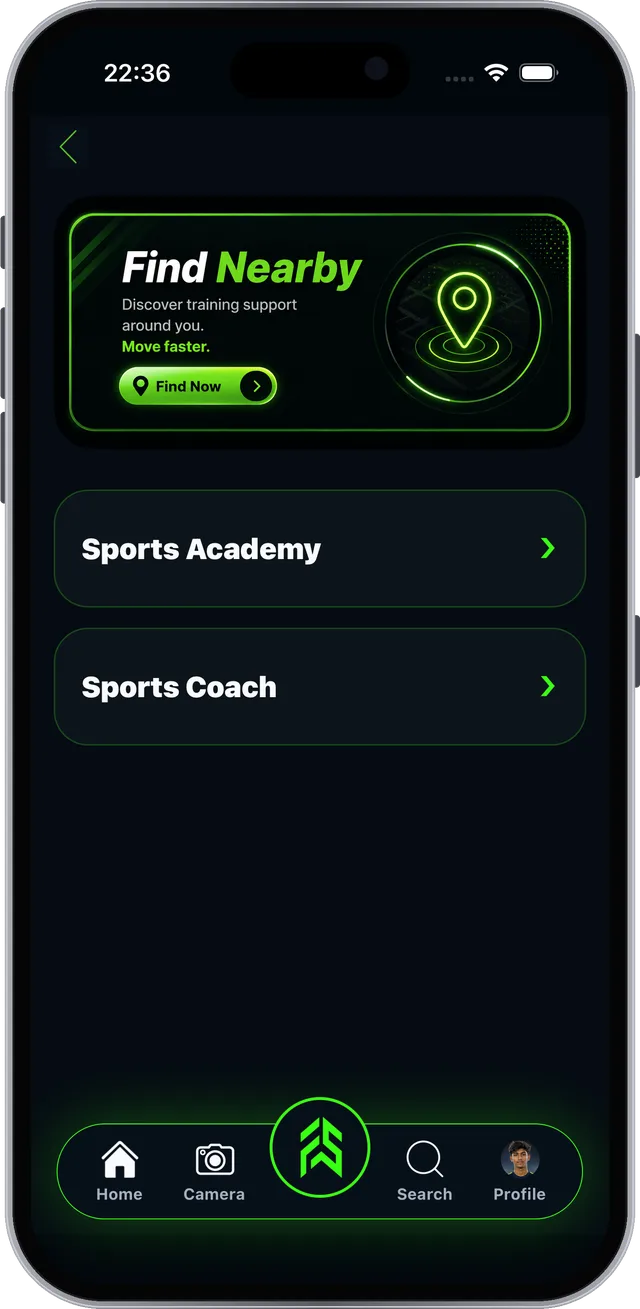
Real screen from the FAB SPORTS app
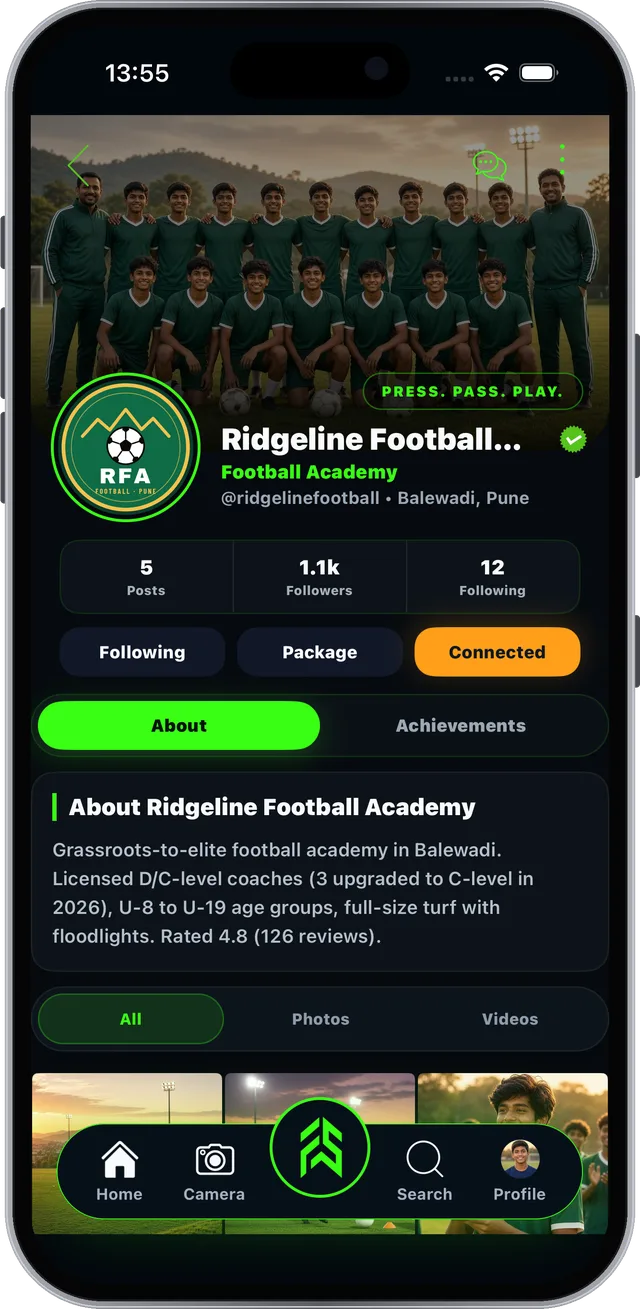
Connect is only on Personal Profiles. It links you to your coach.
Connected academies appear in My Connects (Section 7).
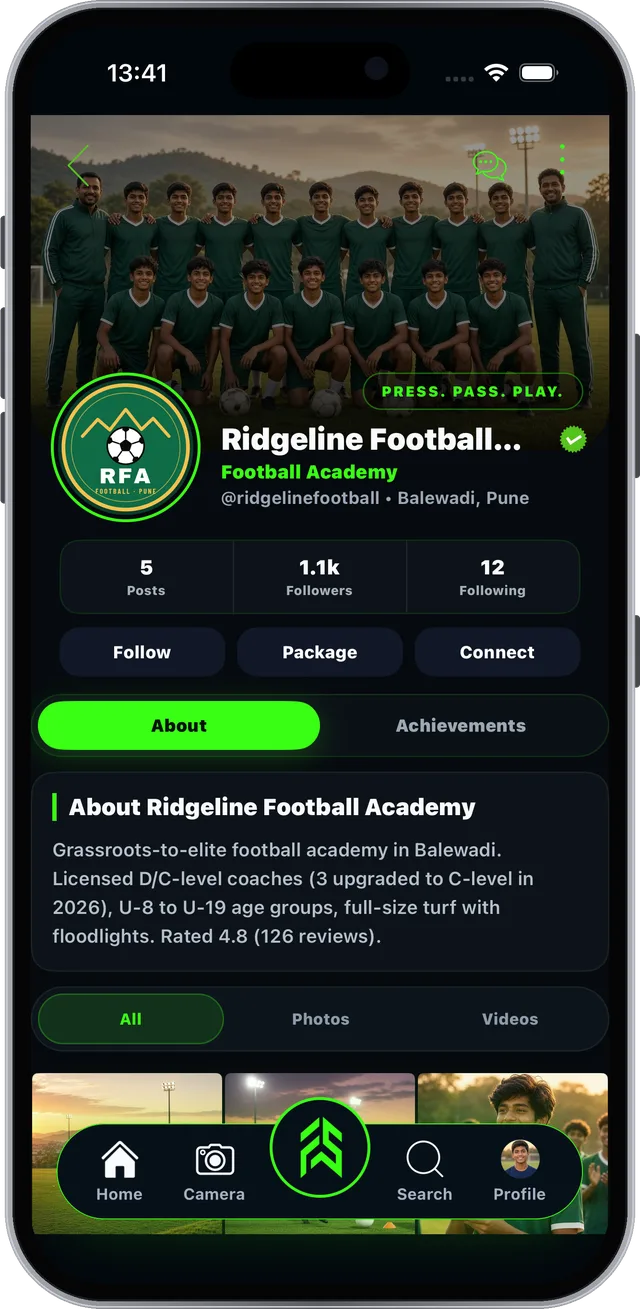
Real screen from the FAB SPORTS app
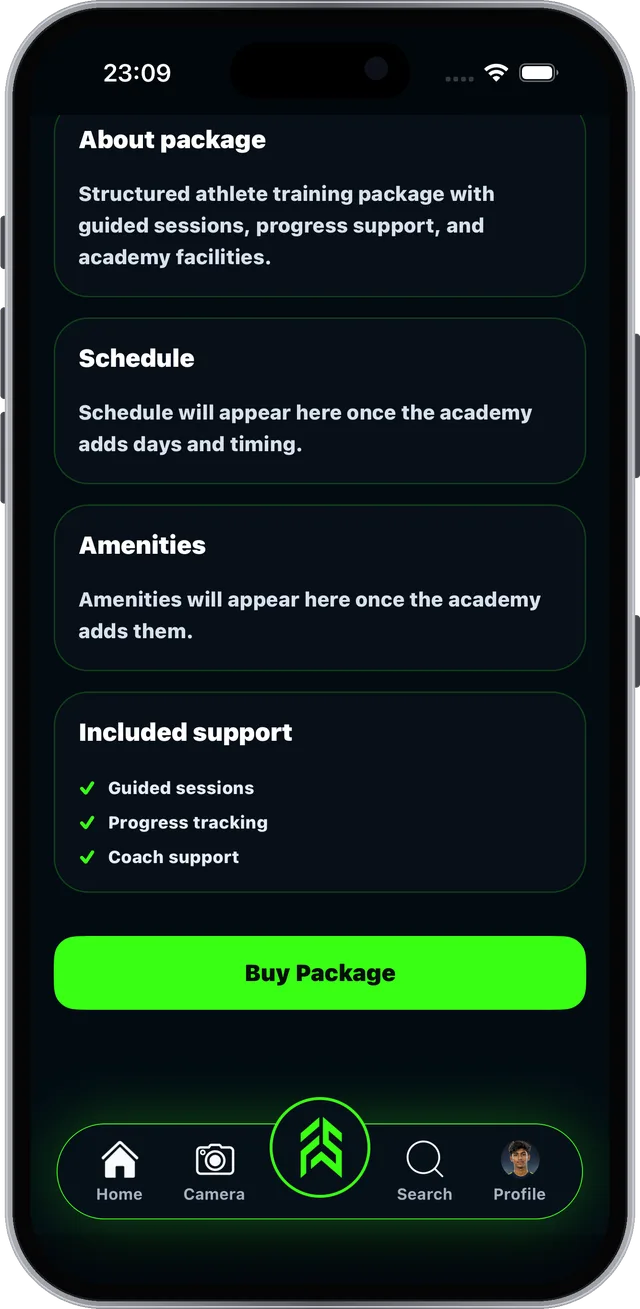
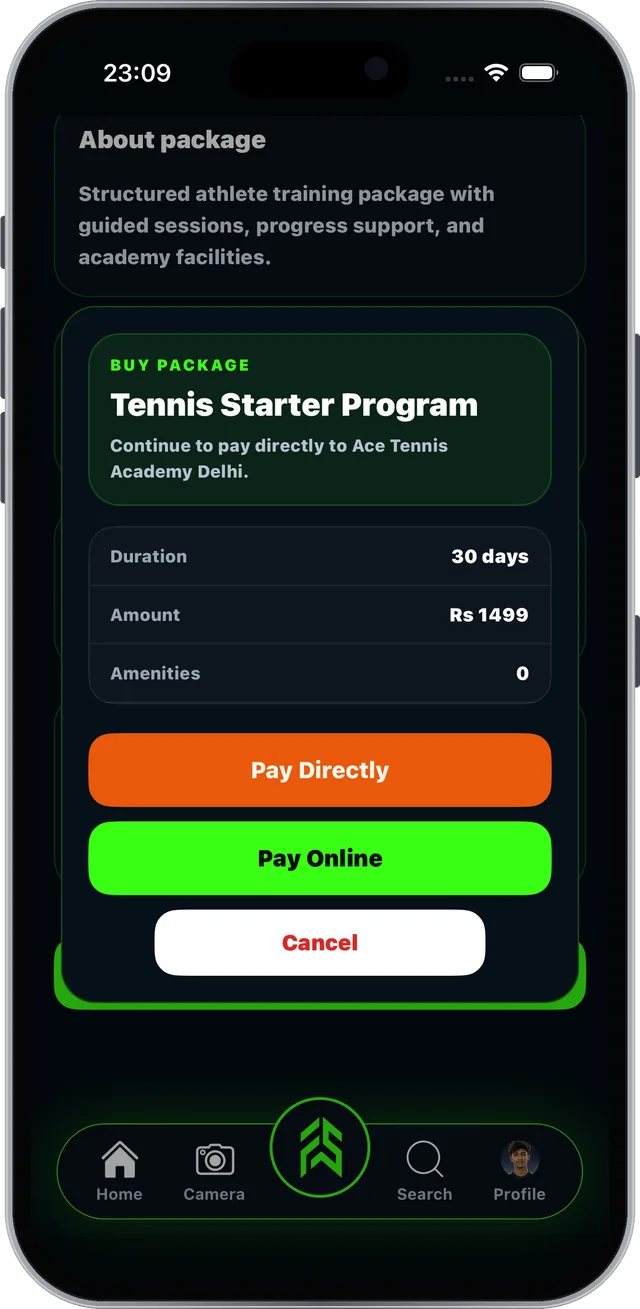
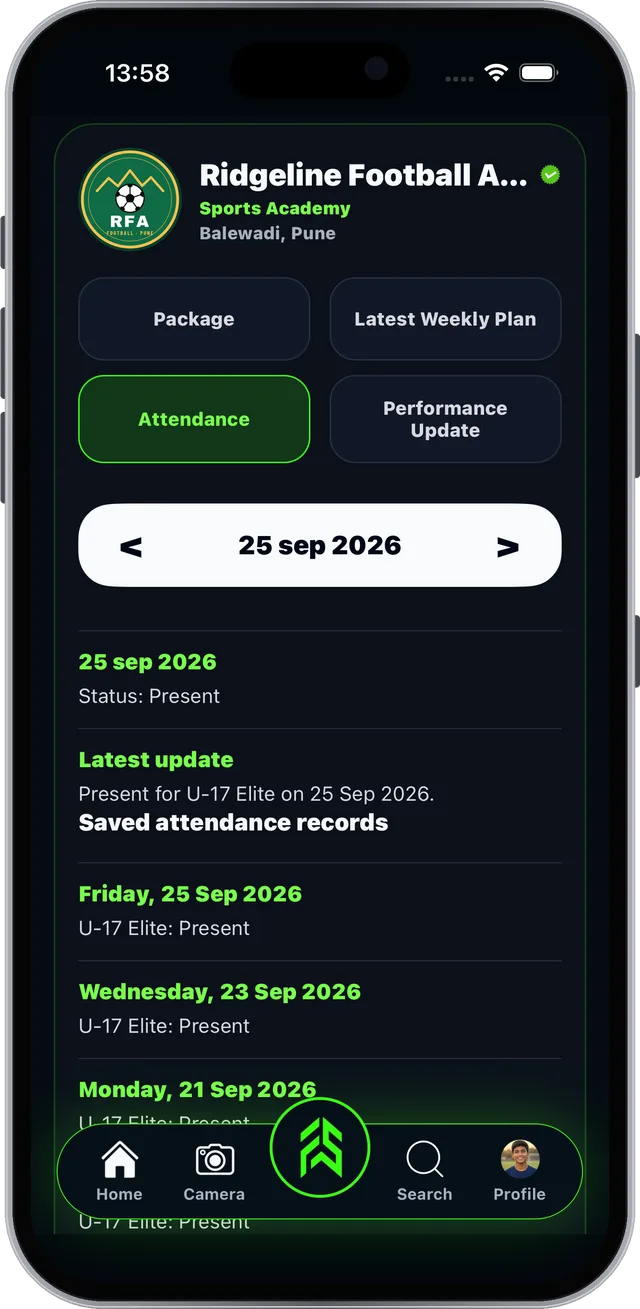
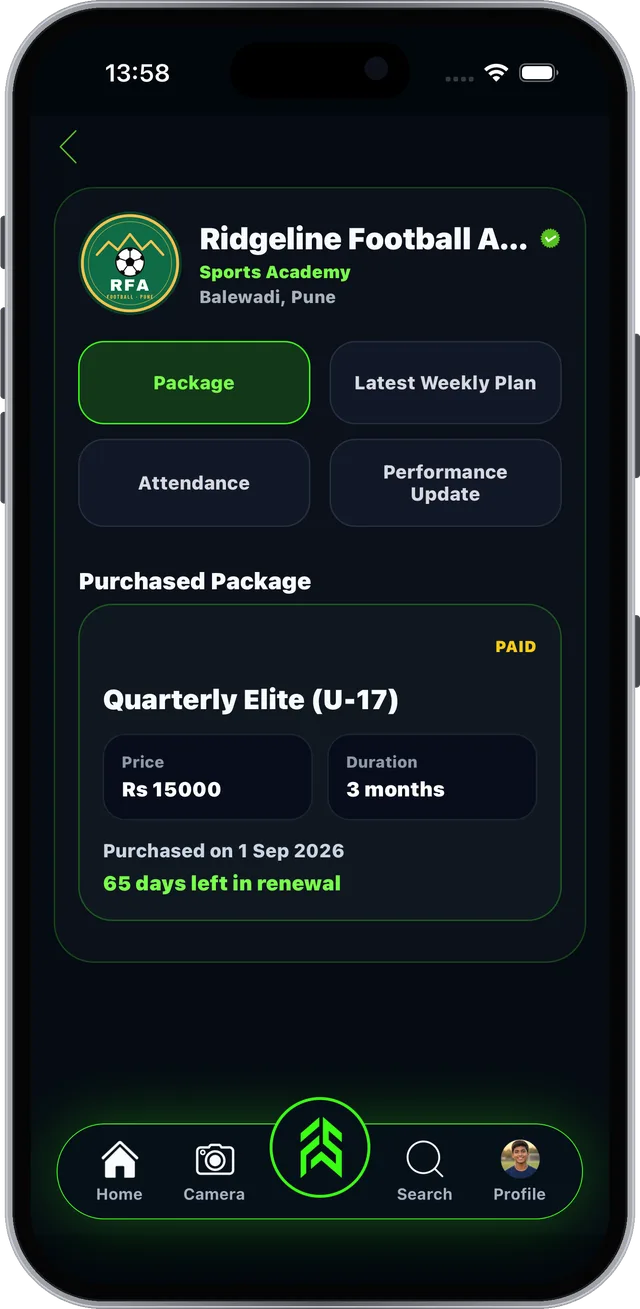
Tap Package on the academy page to see their plans.
Package prices are set by each academy.
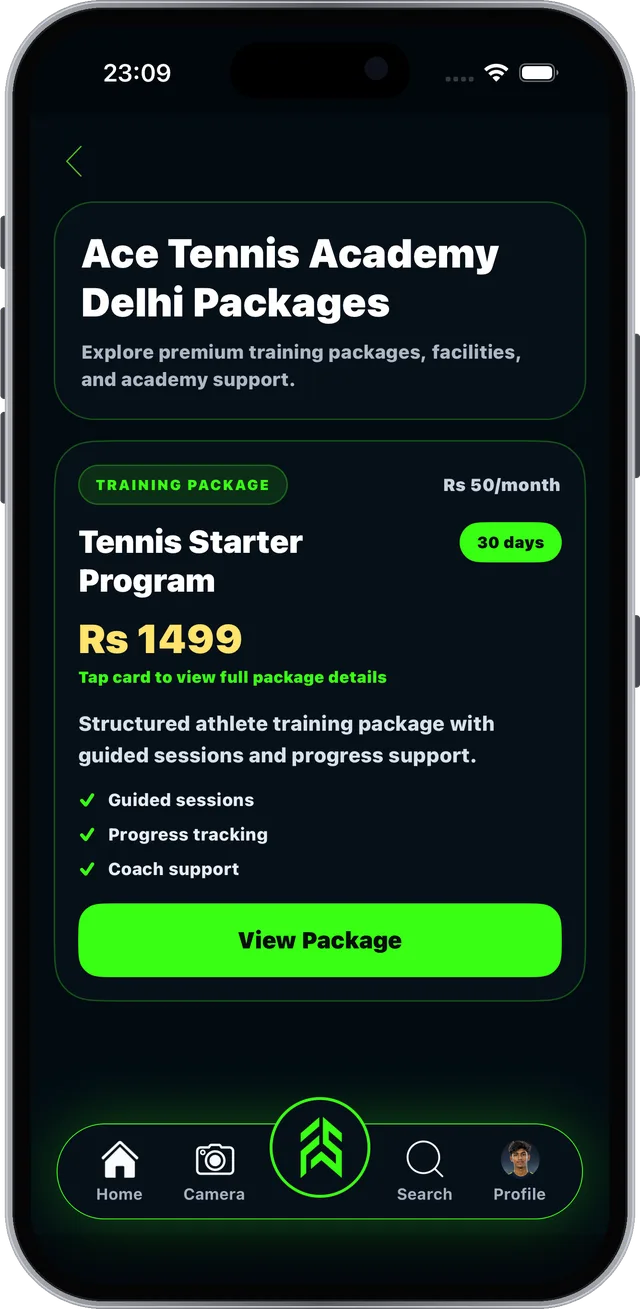
Real screen from the FAB SPORTS app
Everything from your academy and coach in one place.
Your academies, coaches, plans and updates in one page.
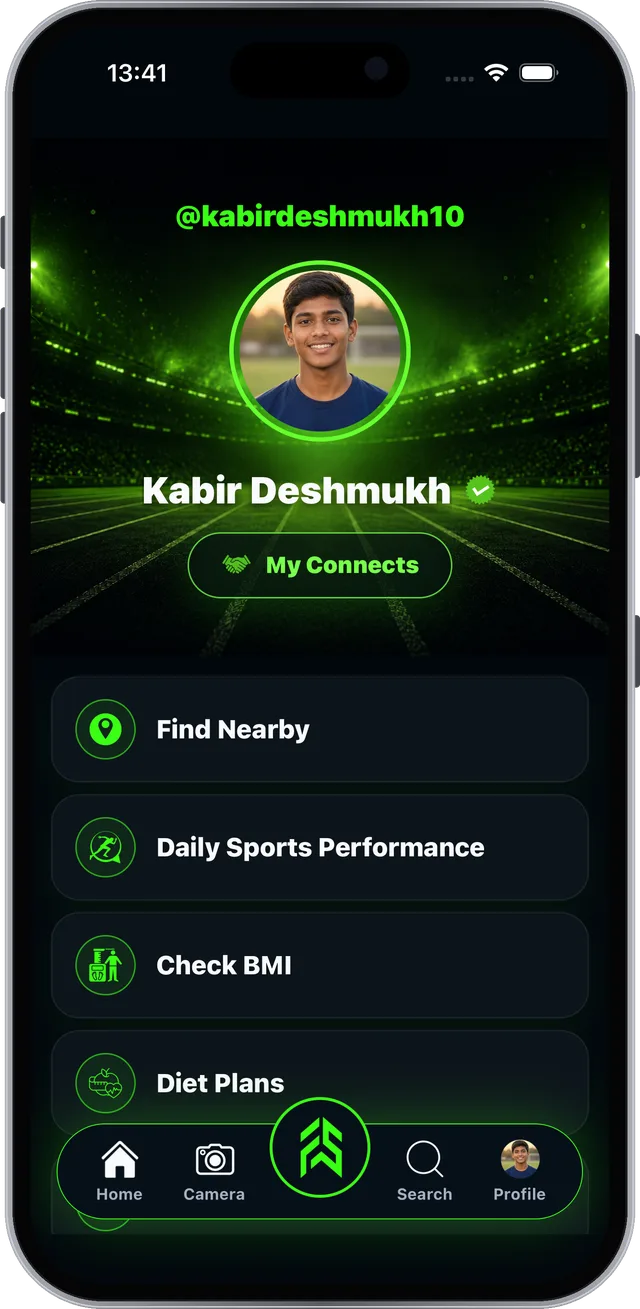
Real screen from the FAB SPORTS app
Your coach updates these. You just open and follow.
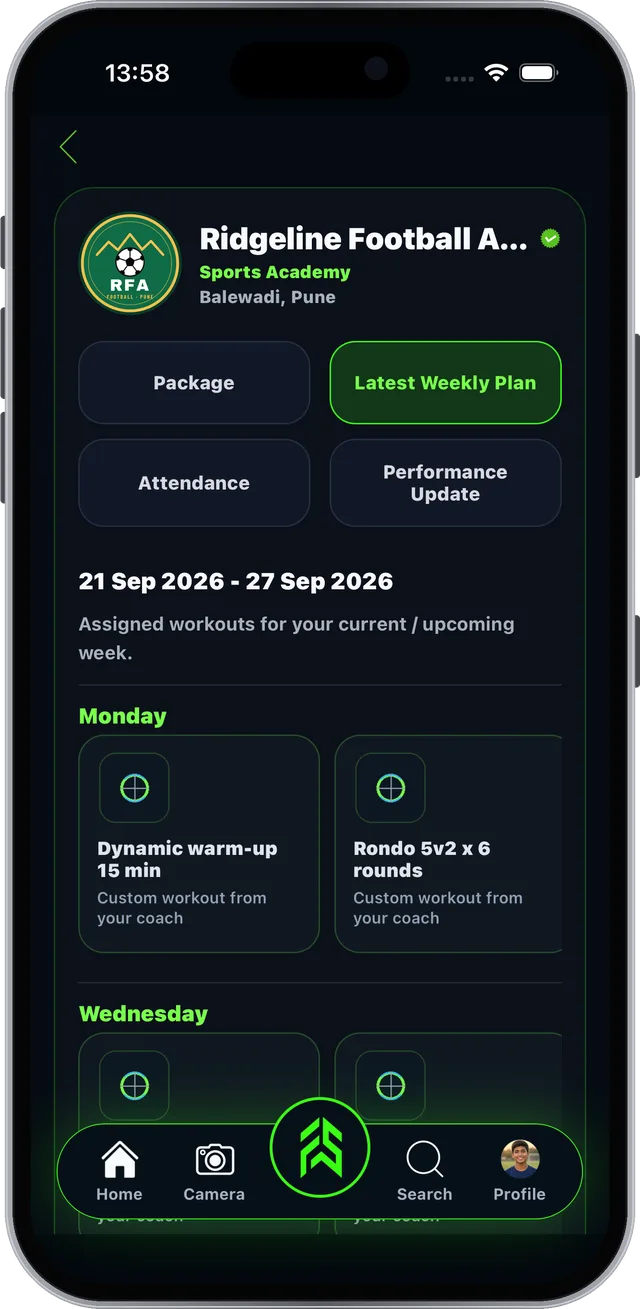
Real screen from the FAB SPORTS app
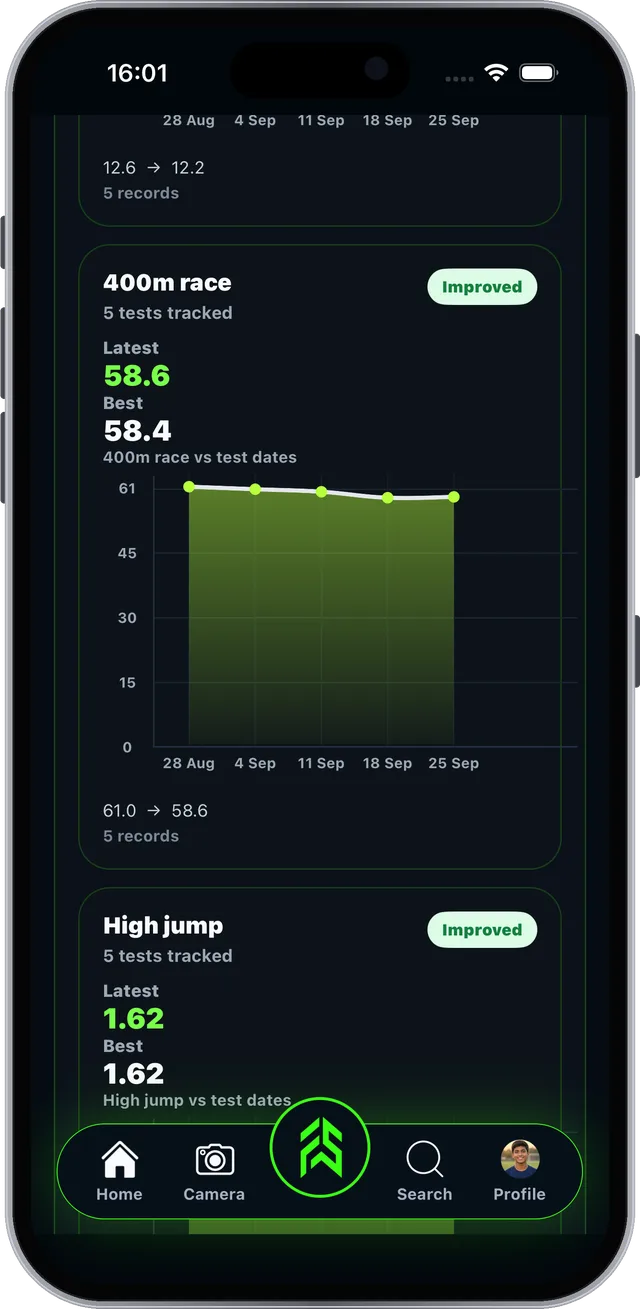
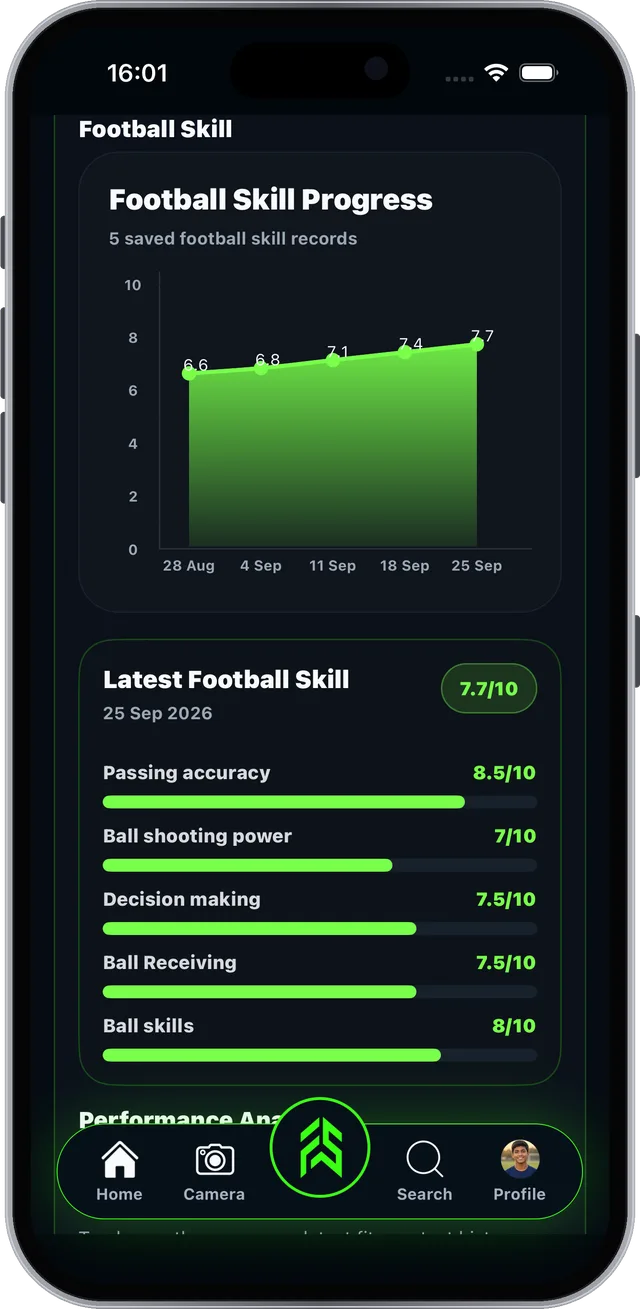
Every test your coach records shows up here.
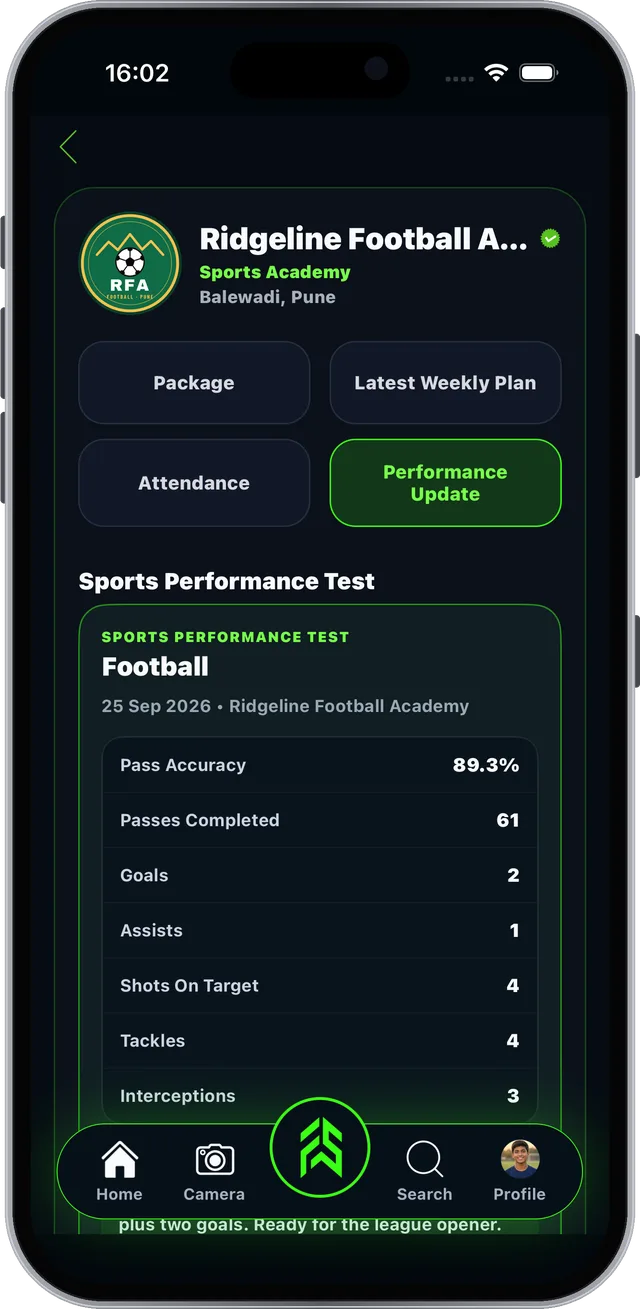
Real screen from the FAB SPORTS app
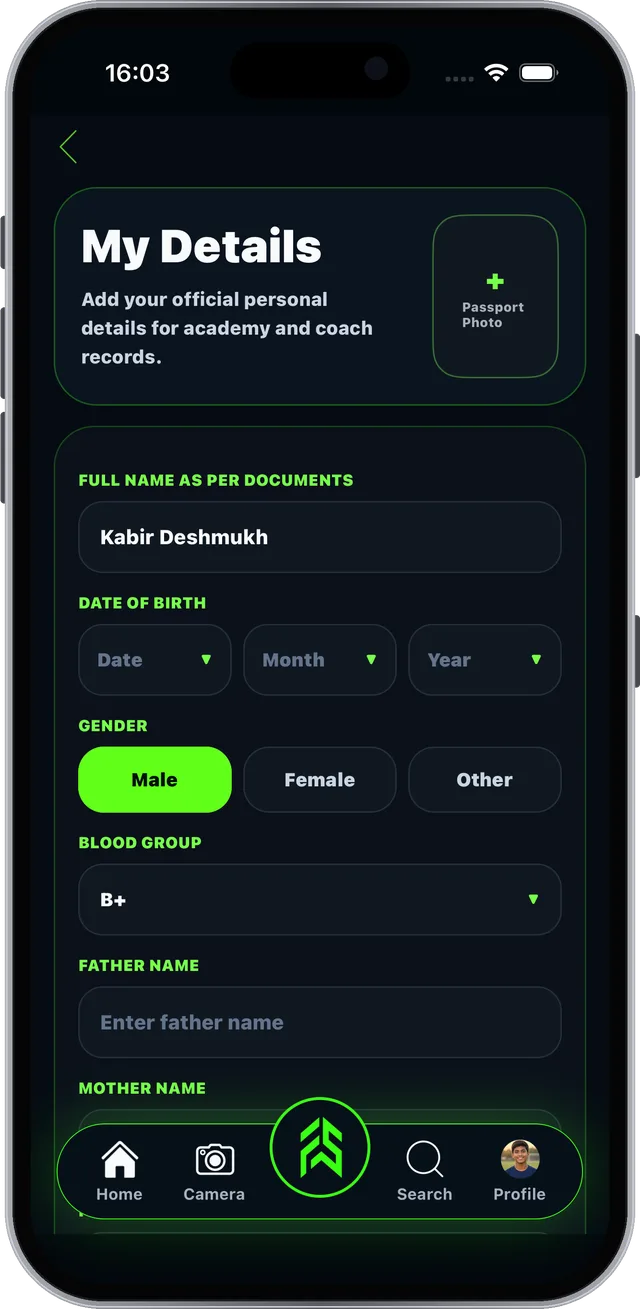
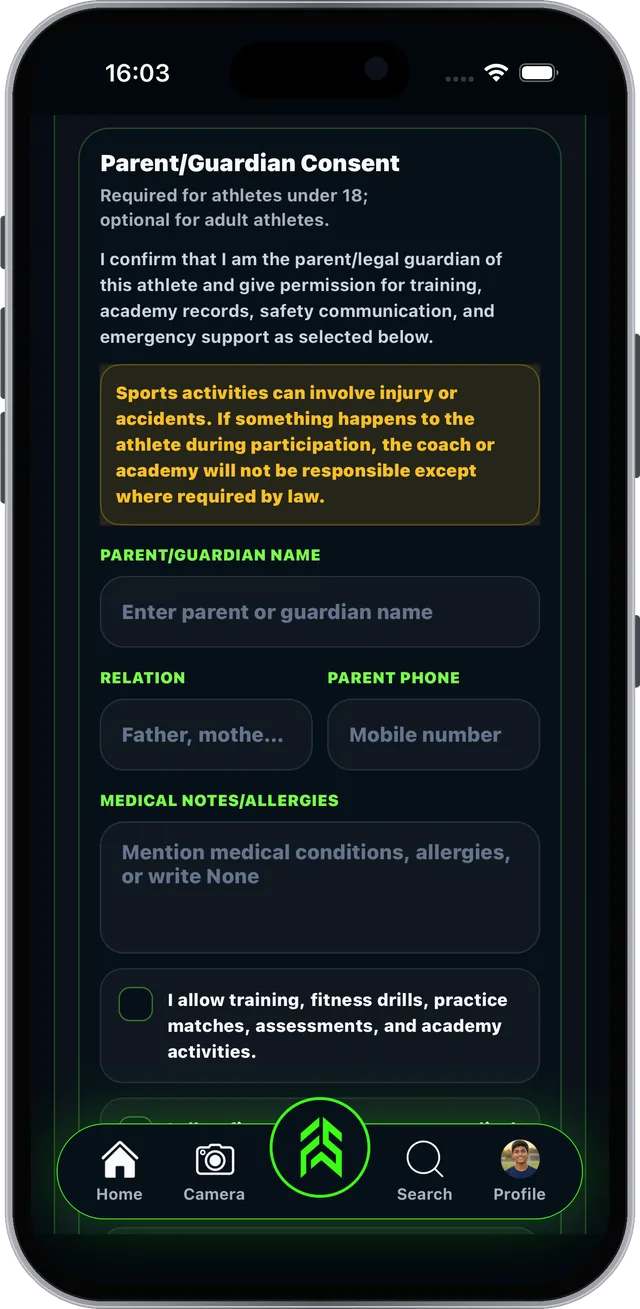
Official details your academy and coach can rely on.
Consent is required for athletes under 18.
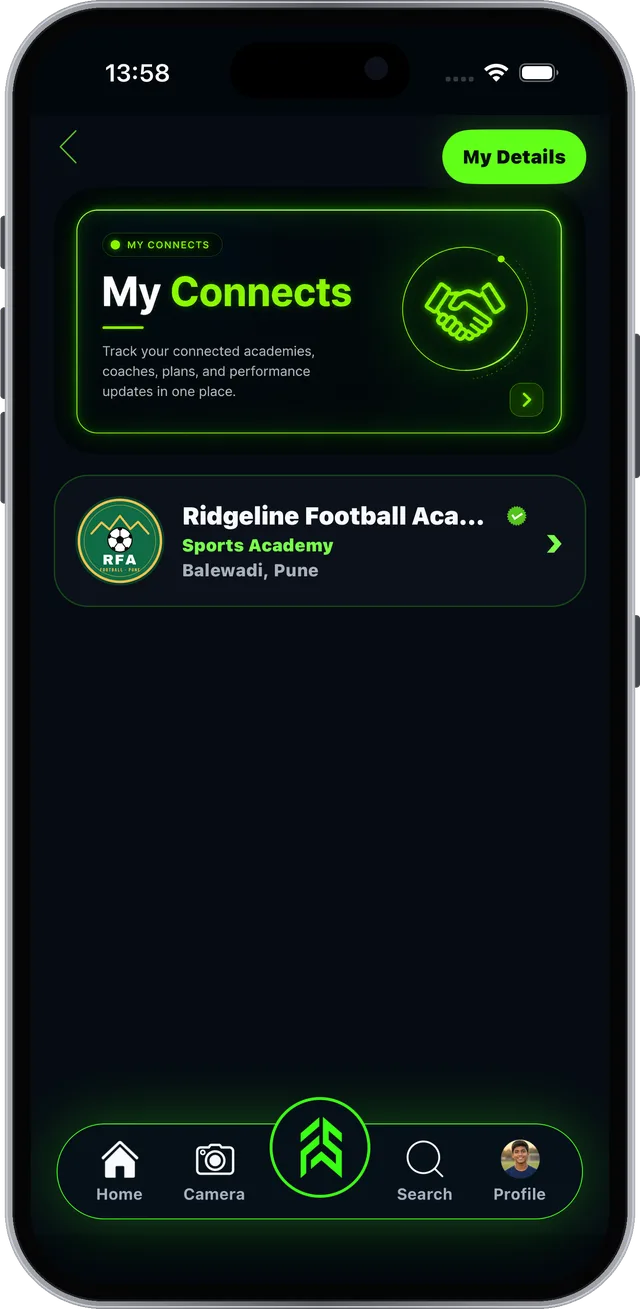
Real screen from the FAB SPORTS app
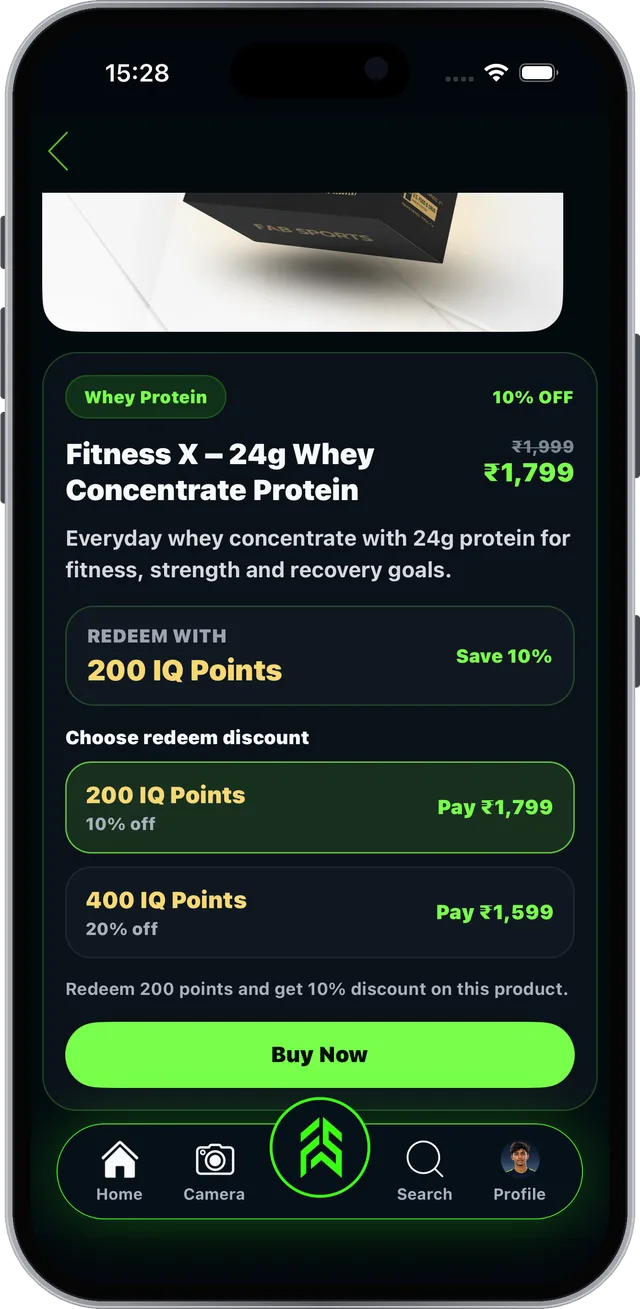
Earn Sports IQ points and shop sports gear.
Answer Sports IQ questions in your Home feed: +1 point per correct answer.
Product prices are set by the sellers.
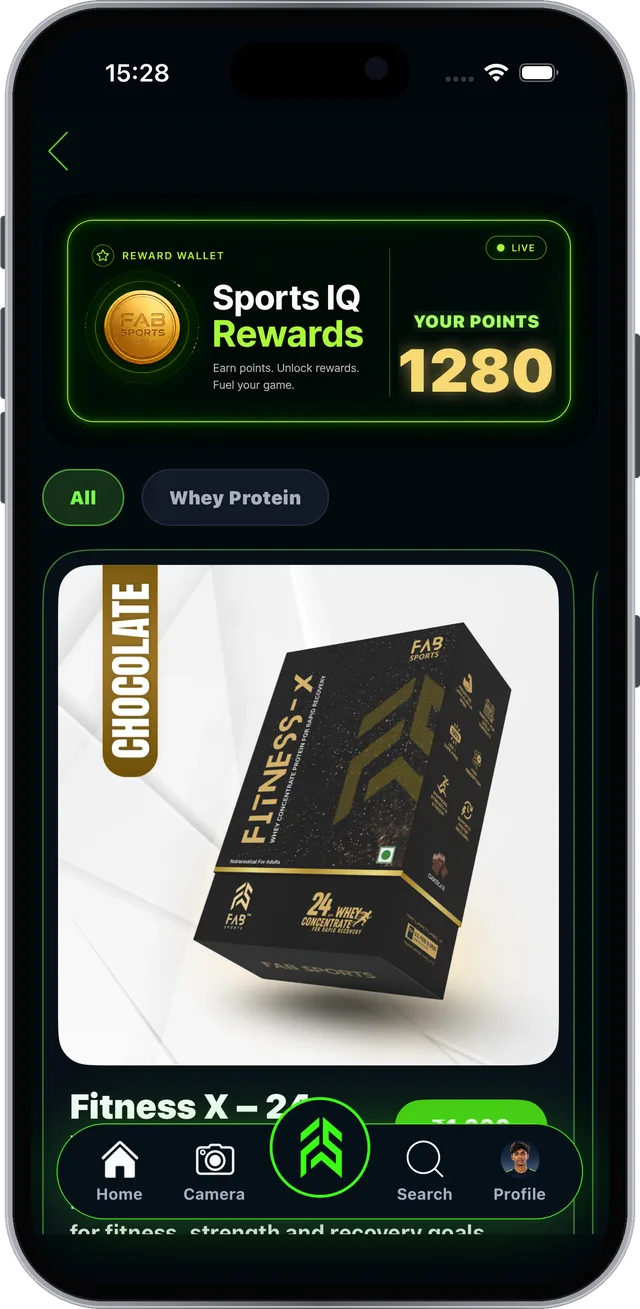
Real screen from the FAB SPORTS app
FSLA > Buy Products. Gear, clothing and nutrition.
Academy fees and product prices are set by academies and sellers.

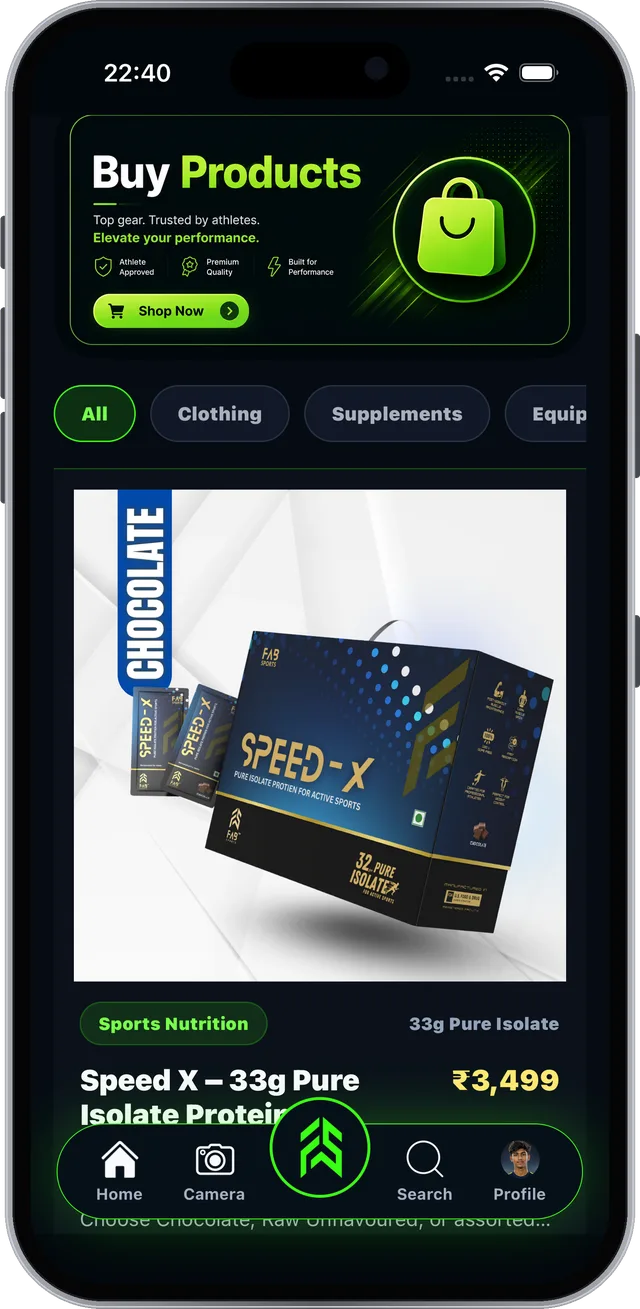
Real screen from the FAB SPORTS app
Share, chat and manage your account.

Use the tab bar at the bottom of every screen.
Tip: post your training and achievements so academies and coaches can find you.




On your profile, tap the menu icon at the top right.

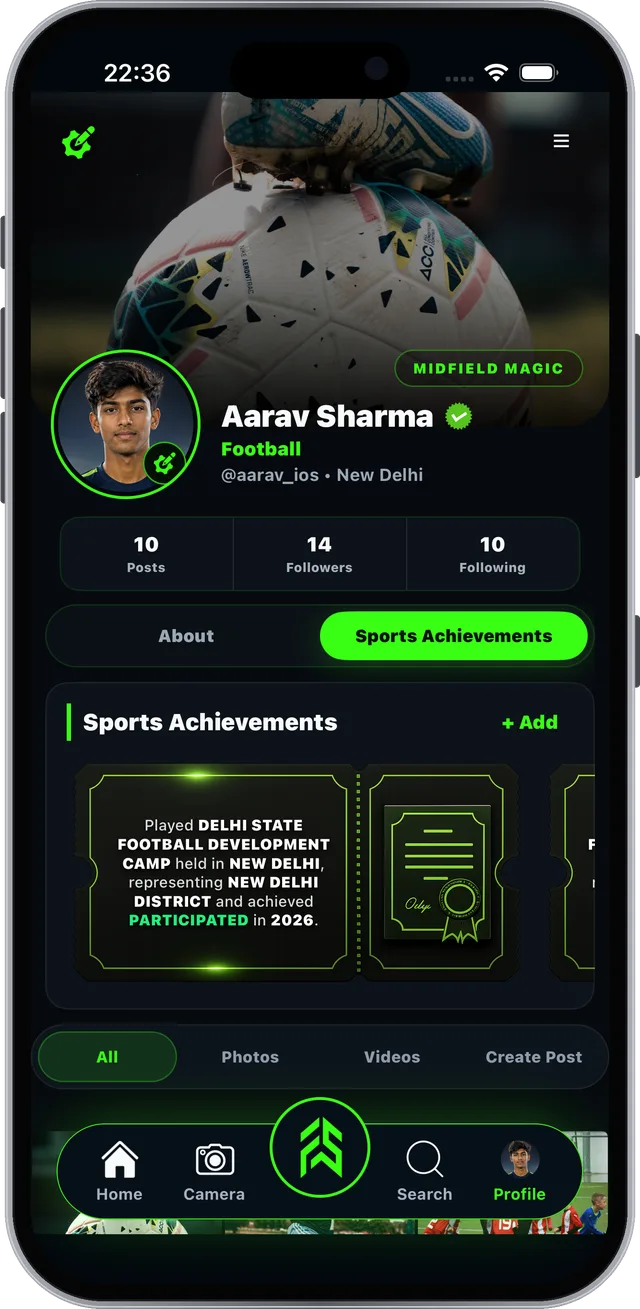
Real screen from the FAB SPORTS app
Yes. Every tool is free, no subscription. Academy fees and product prices are set by academies and sellers.
Open FAB SPORTS, tap Sign UP, choose Personal Profile and tap Select. Under I am, tap Professional Athlete, pick your main sport and position, add your personal details, then add your location, verify the OTP and add a photo.
Open FSLA, tap Daily Sports Performance, then Update your performance. Fill in today's numbers and tap Save Performance. The fields match your sport.
Open FSLA and tap Find Nearby. Pick Sports Academy or Sports Coach, set the radius and tap Refresh search. Tap View profile, then Follow, Package or Connect.
Tap Connect on the academy or coach page. They accept it in their Notifications and the button changes to Connected. Your academy then appears in My Connects.
Tap Package on the academy page, pick a package and tap View Package, then Buy Package. Choose Pay Online or Pay Directly. Package prices are set by each academy.
Answer Sports IQ questions in your Home feed and get +1 point for each correct answer. Tap the points wallet on Home to use your points for discounts on products. Product prices are set by the sellers.
No. BMI is a screening tool, not a medical diagnosis, and the diet plan is a starter plan, not medical advice.
Download FAB SPORTS and create your Personal Profile today.
Every tool is free. No subscription.
Academy fees and product prices are set by academies and sellers.
PDFDownload the full guide (PDF)All 9 sections, 32 pages · 6 MBNo download needed? Sign up / Login on the web →
Also see the Coach & academy guide →