HomeHow to use
How to use FAB SPORTSLet’s find the right guide for you
Pick your profile and we will show you the app step by step, with real screens and numbered taps.
 Personal Profile
Are you an athlete?
Your training, your progress, in one app. Learn how to use your Personal Profile.
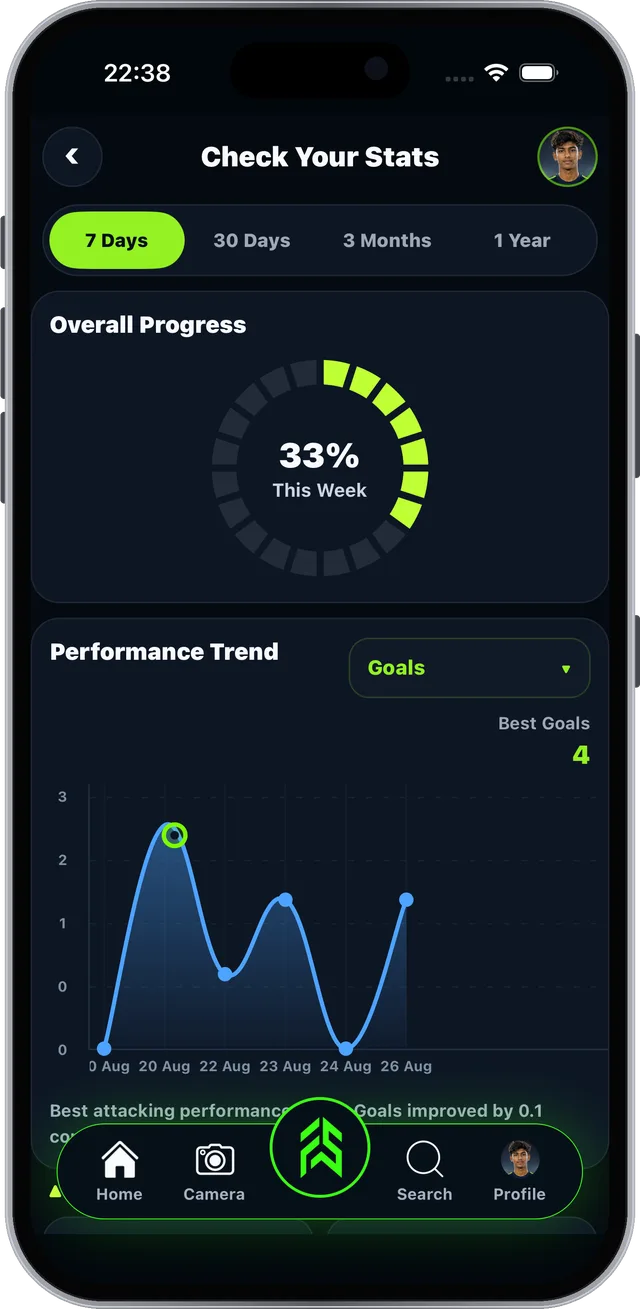
- Log today's performance
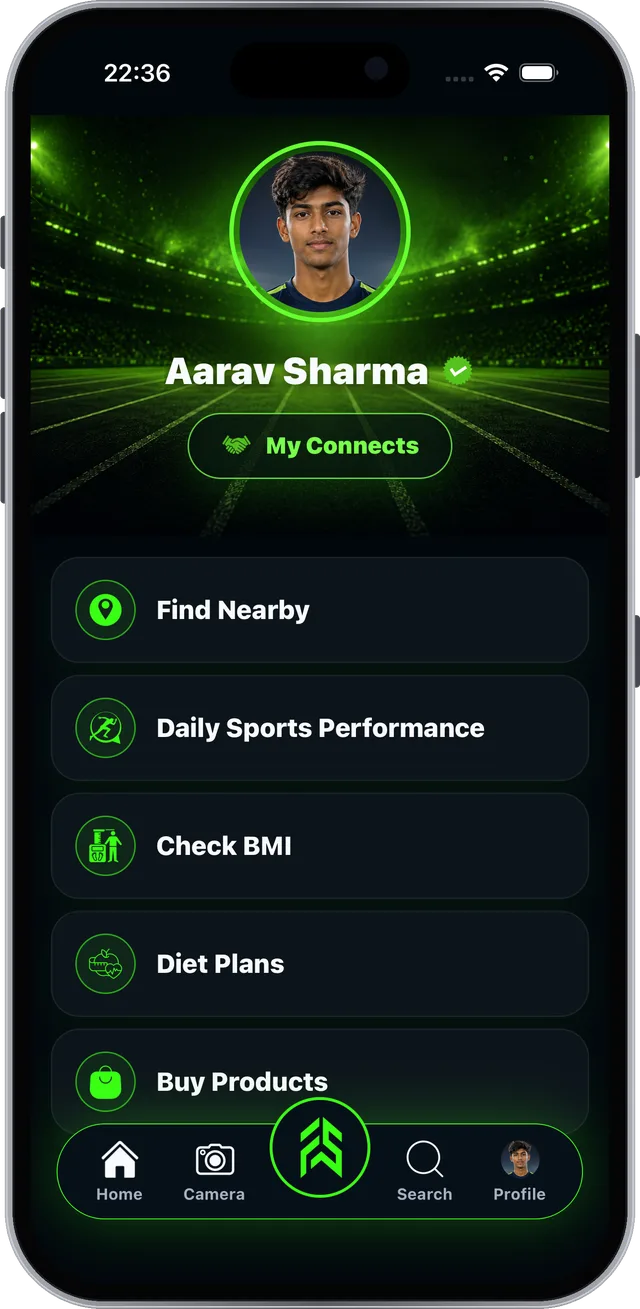
 Check BMI and build a diet plan
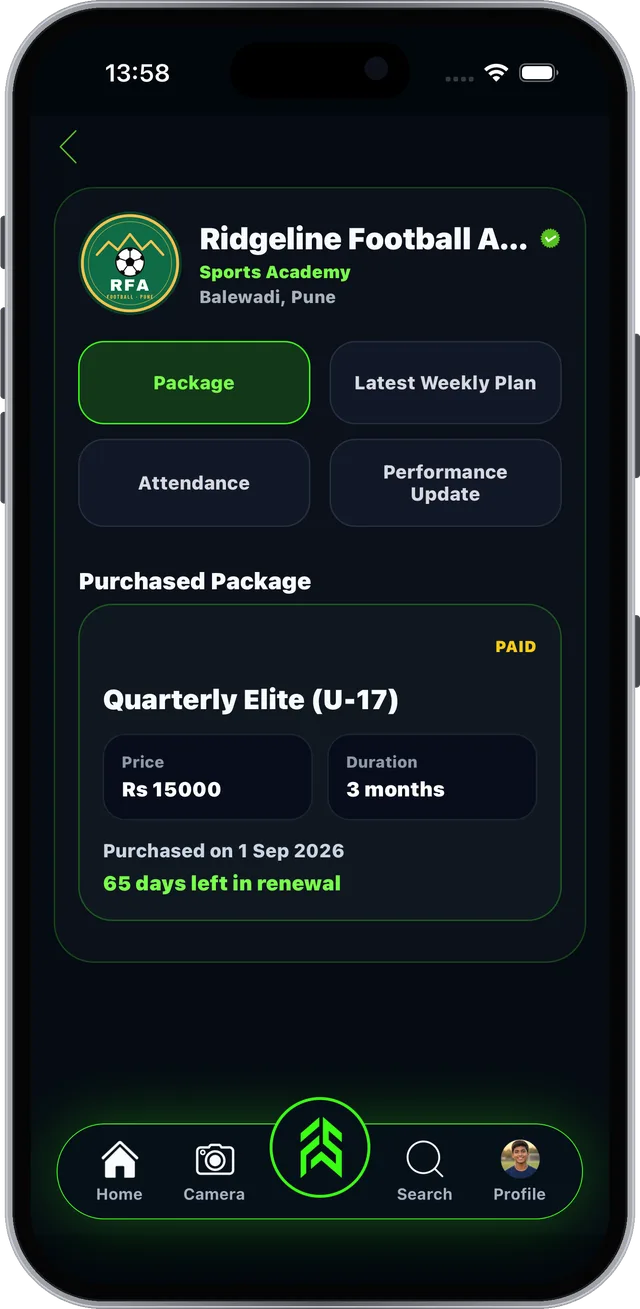
 Find and join academies near you
 Earn Sports IQ points
 Business Profile
Are you a coach or academy?
Run your whole academy from your phone. Learn how to use your Business Profile.
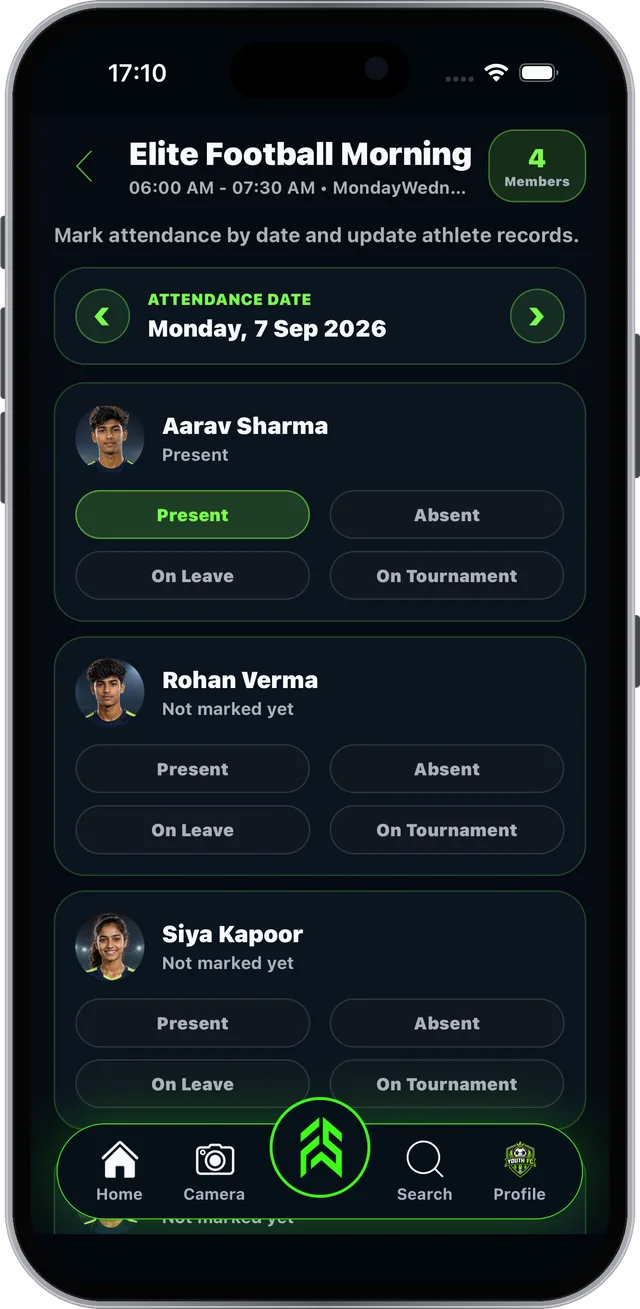
- Mark attendance in one tap
 Create batches and assign members
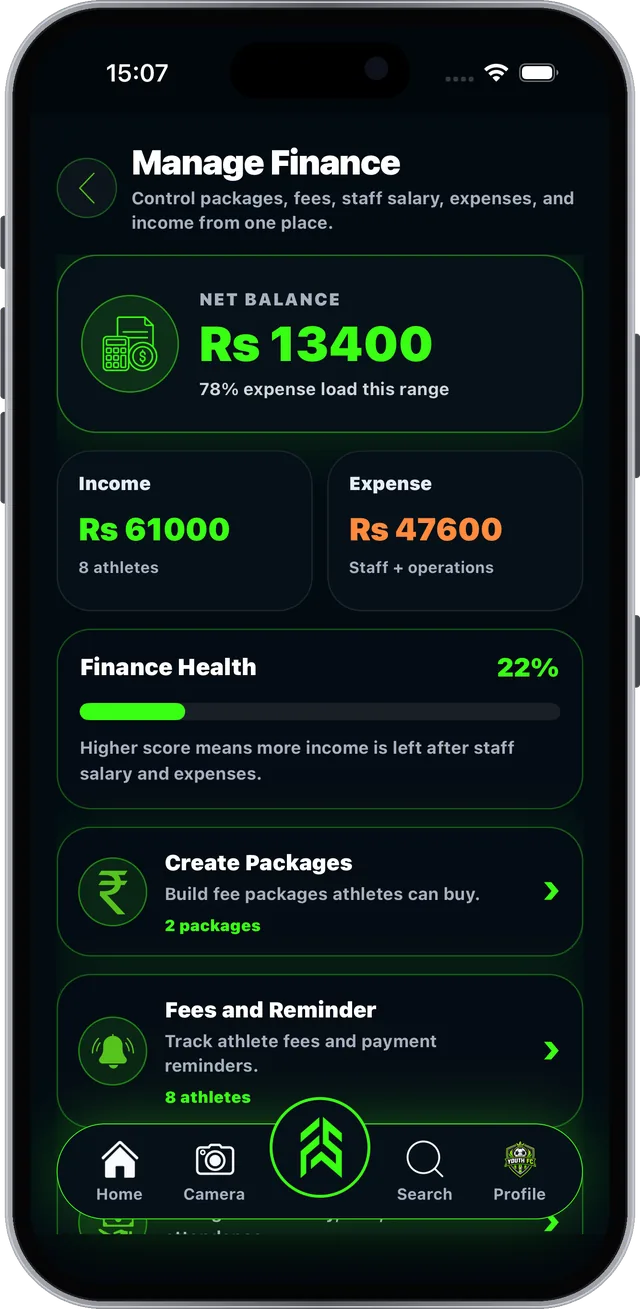
 Fees, packages and staff
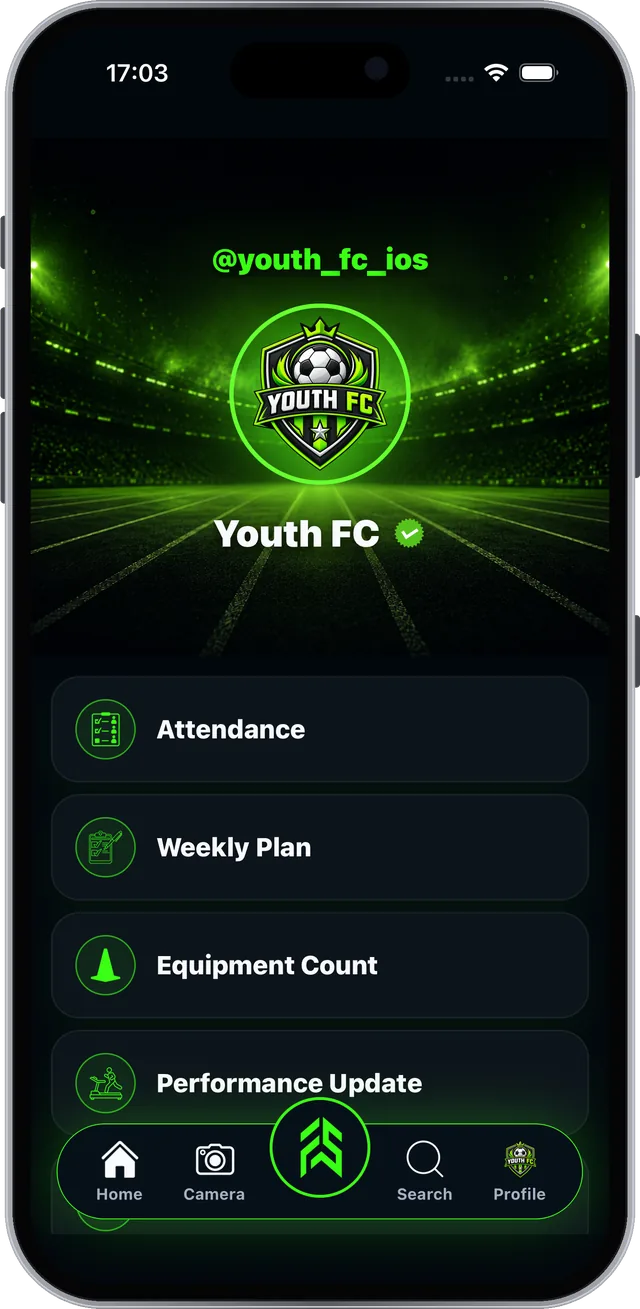
 Weekly plans and performance
Which profile is right for me?
Personal Profile
For athletes and players. Log performance, check BMI, find academies, follow your coach’s plans and earn Sports IQ points.
Business Profile
For academies and coaches. Attendance, batches, parent consent, fees, packages, staff, weekly plans and performance.
Better together
Athletes tap Connect on an academy or coach page. Once accepted, plans, attendance and coach updates show up in the athlete’s My Connects.
Download the app and the full guides
Both guides are also available as PDFs to read offline or share.
Frequently asked questions
Which profile should I choose?
Personal Profile is for athletes. Business Profile is for academies and coaches. Pick the one that fits you when you sign up.
Is FAB SPORTS free?
Yes. Every tool is free, no subscription. Academy fees and product prices are set by academies and sellers.
How do athletes and academies connect?
The athlete taps Connect on the academy or coach page. The academy accepts it in Notifications and can then assign the athlete to a batch. The academy shows up in the athlete's My Connects.